The collection demo
Turn your clothing photos into a consistent on-model collection
Ten garments on one AI model, then the same pieces on a second model. Every item shown flat, on the model, and in close-up. Then try your own.
The Tryly Studio · Examples
As low as $0.25 per photo
10 free photos, no card
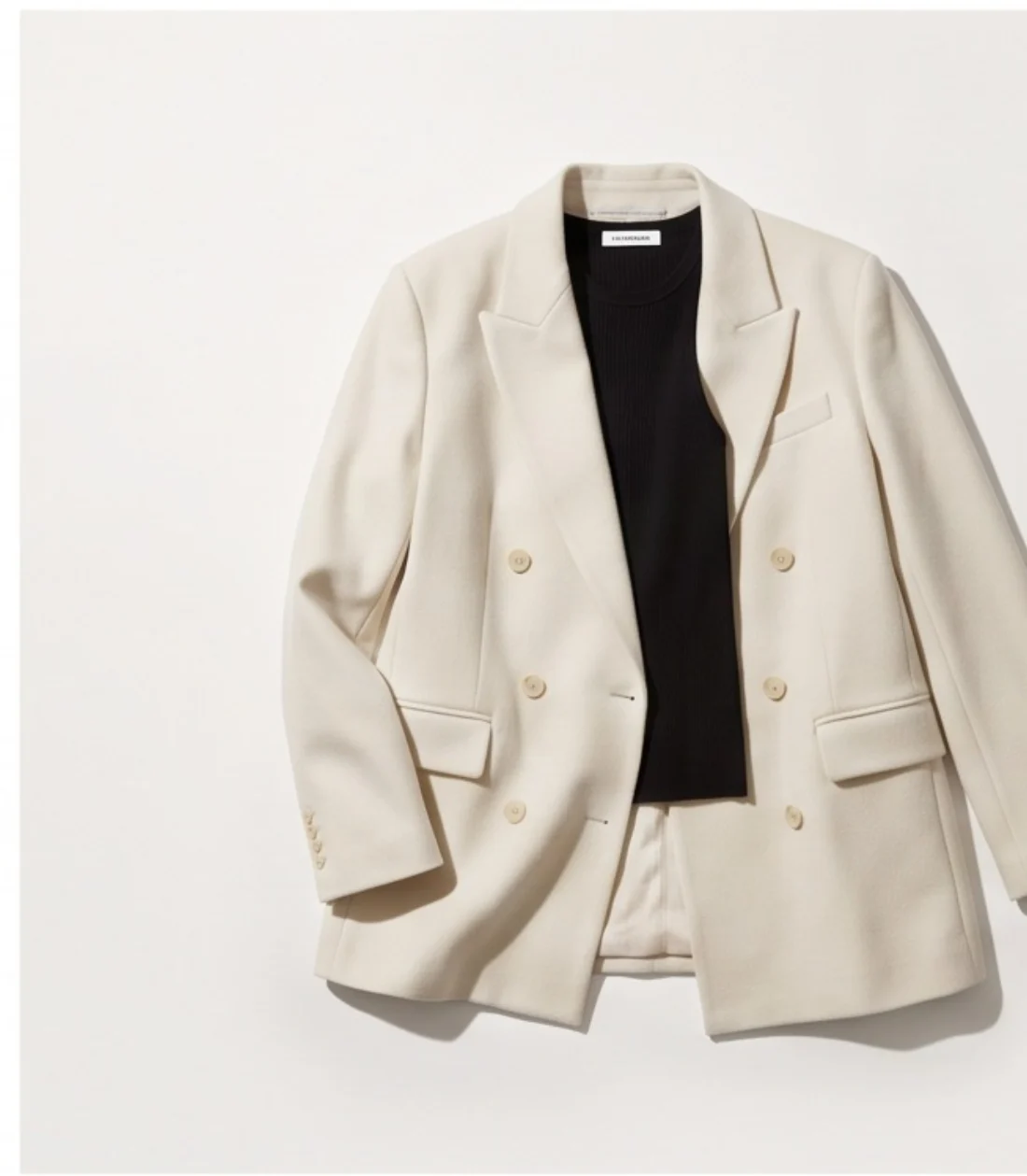
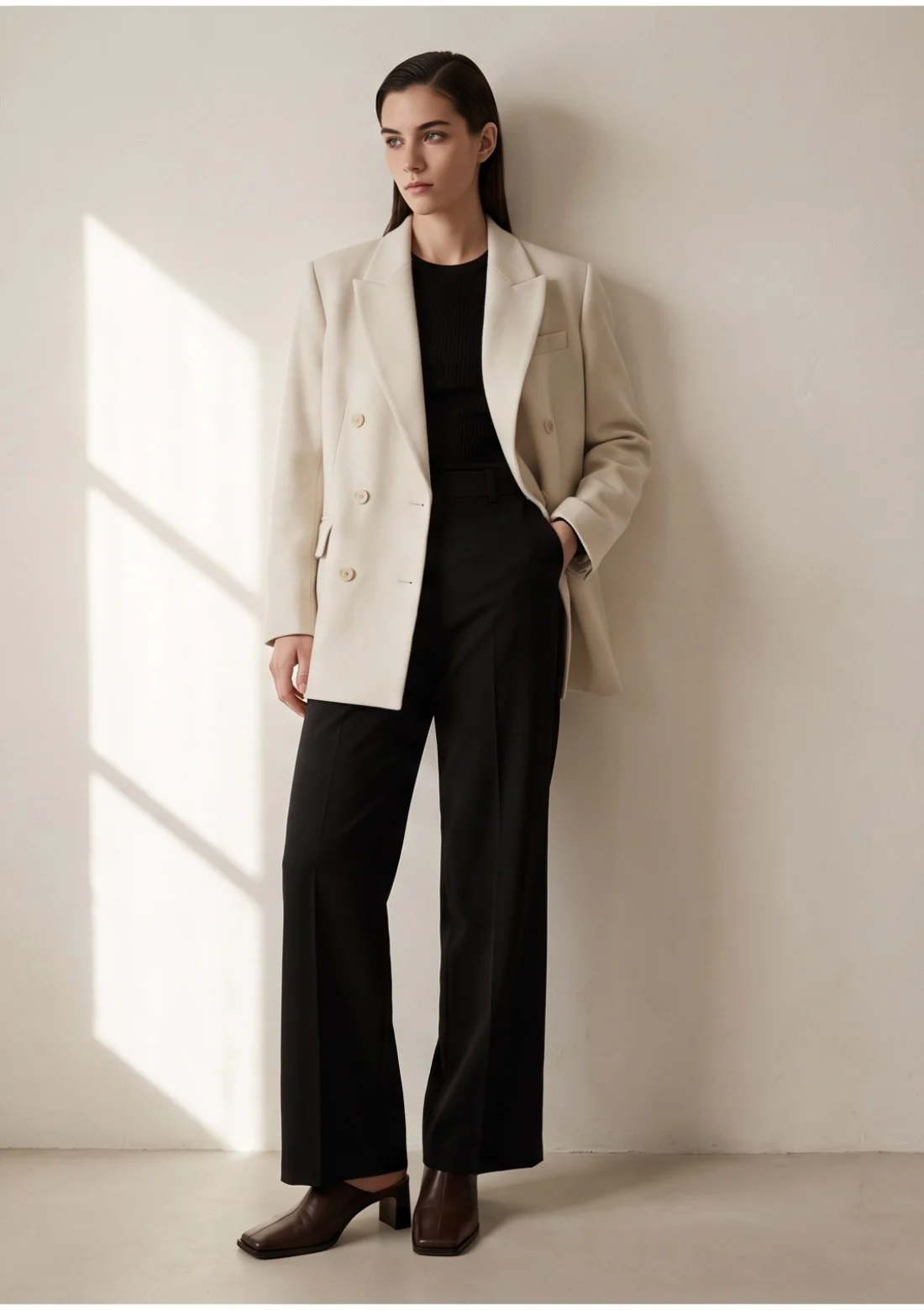
Bone wool blazer
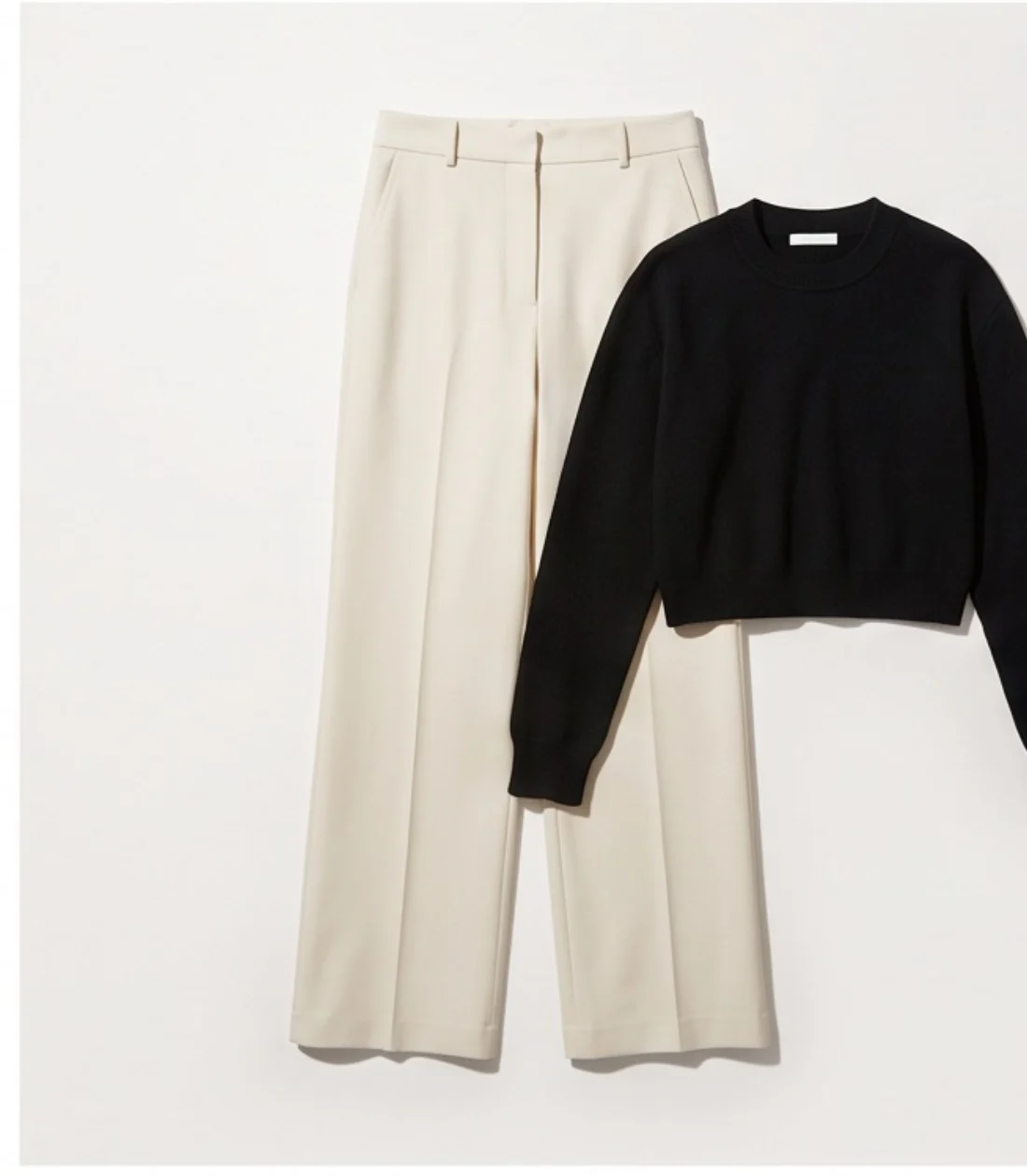
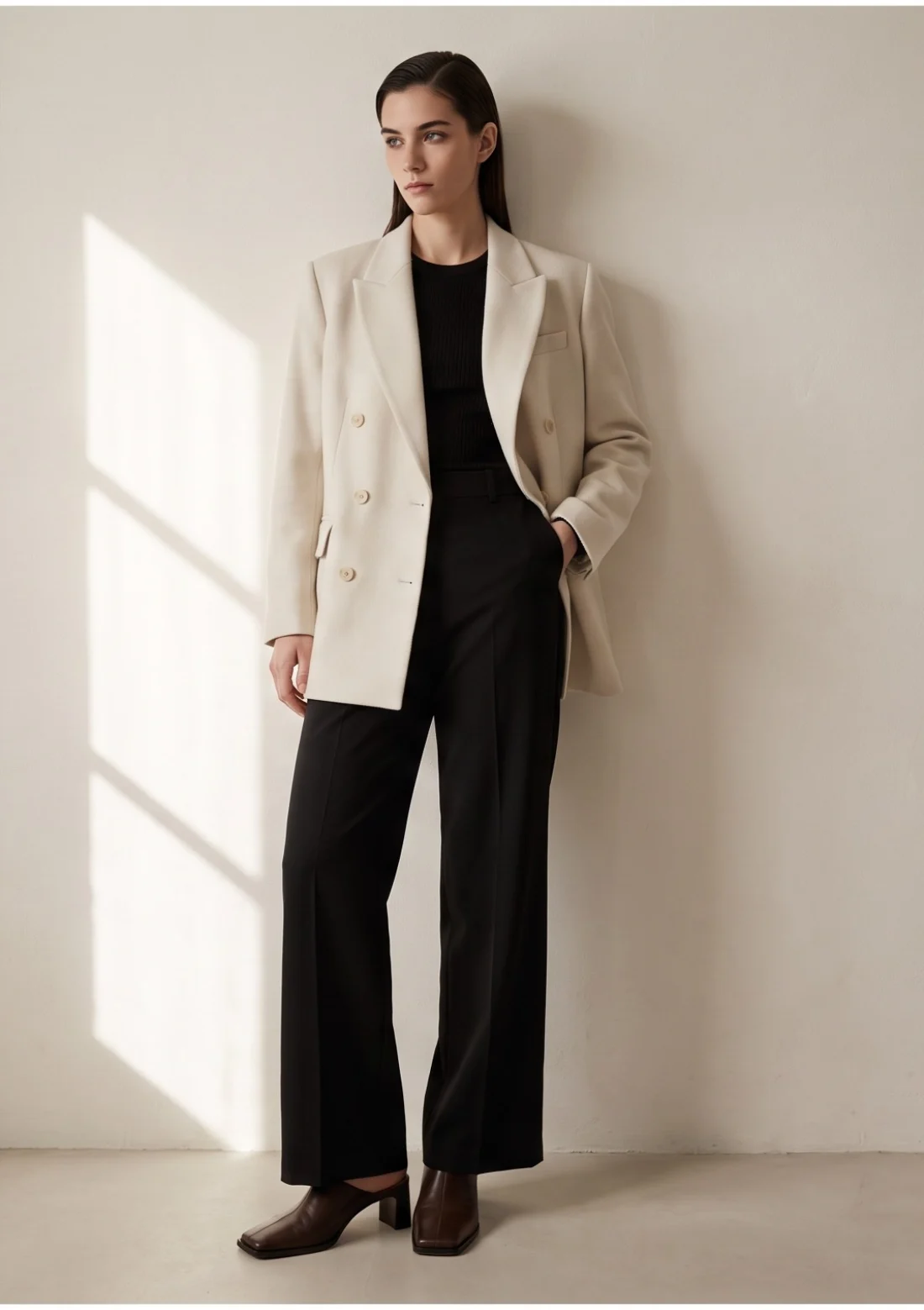
Wide-leg tailored trousers
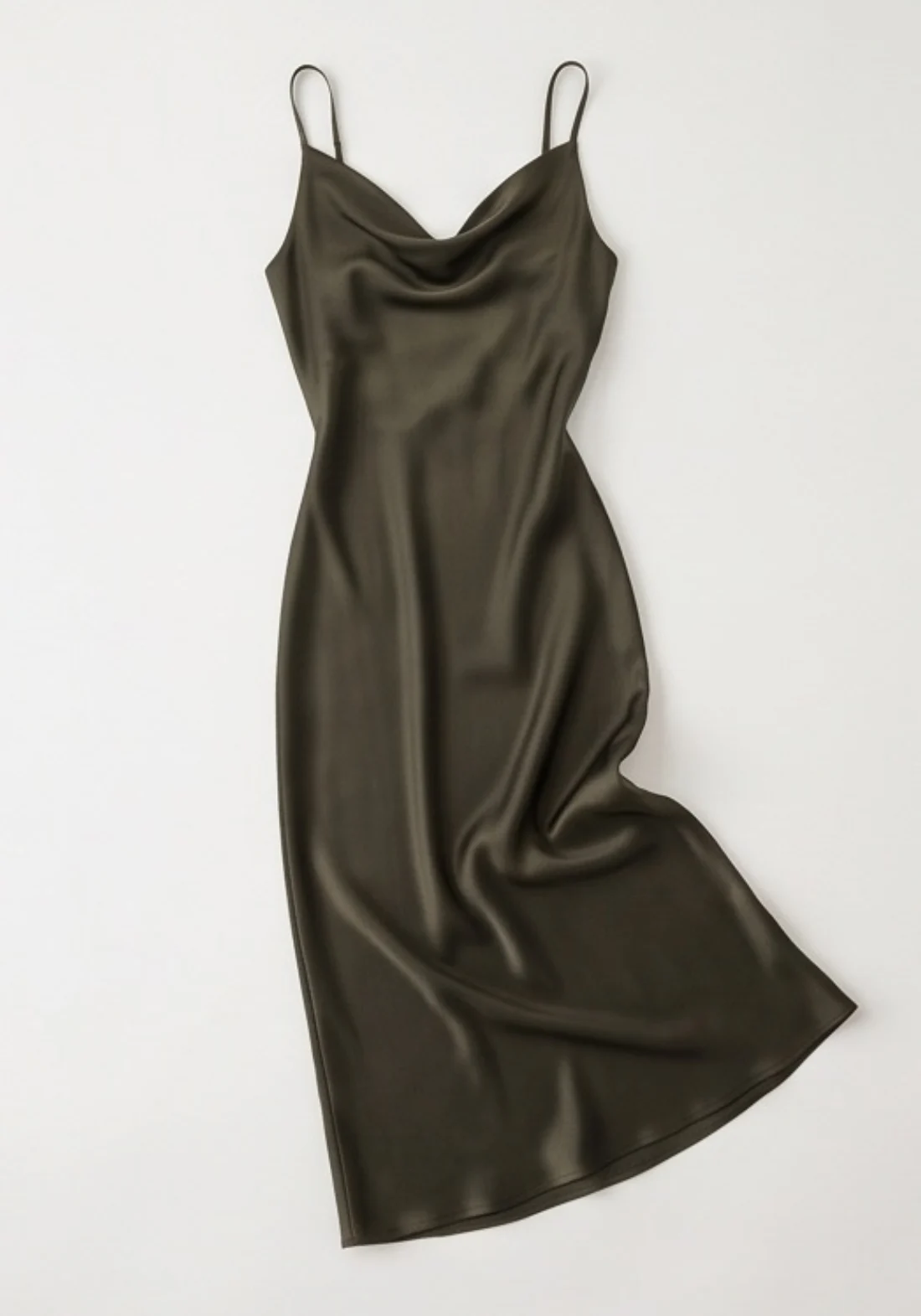
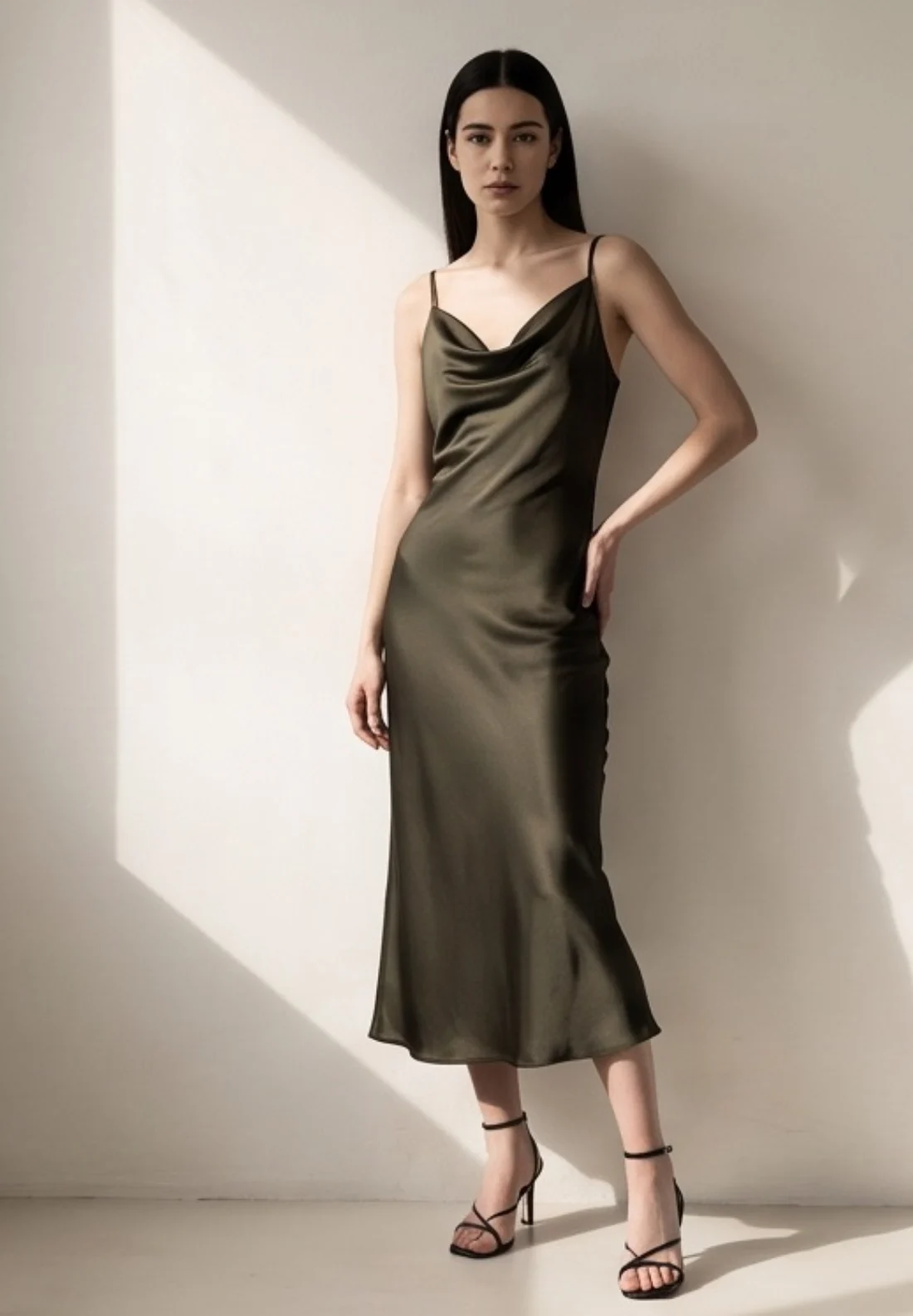
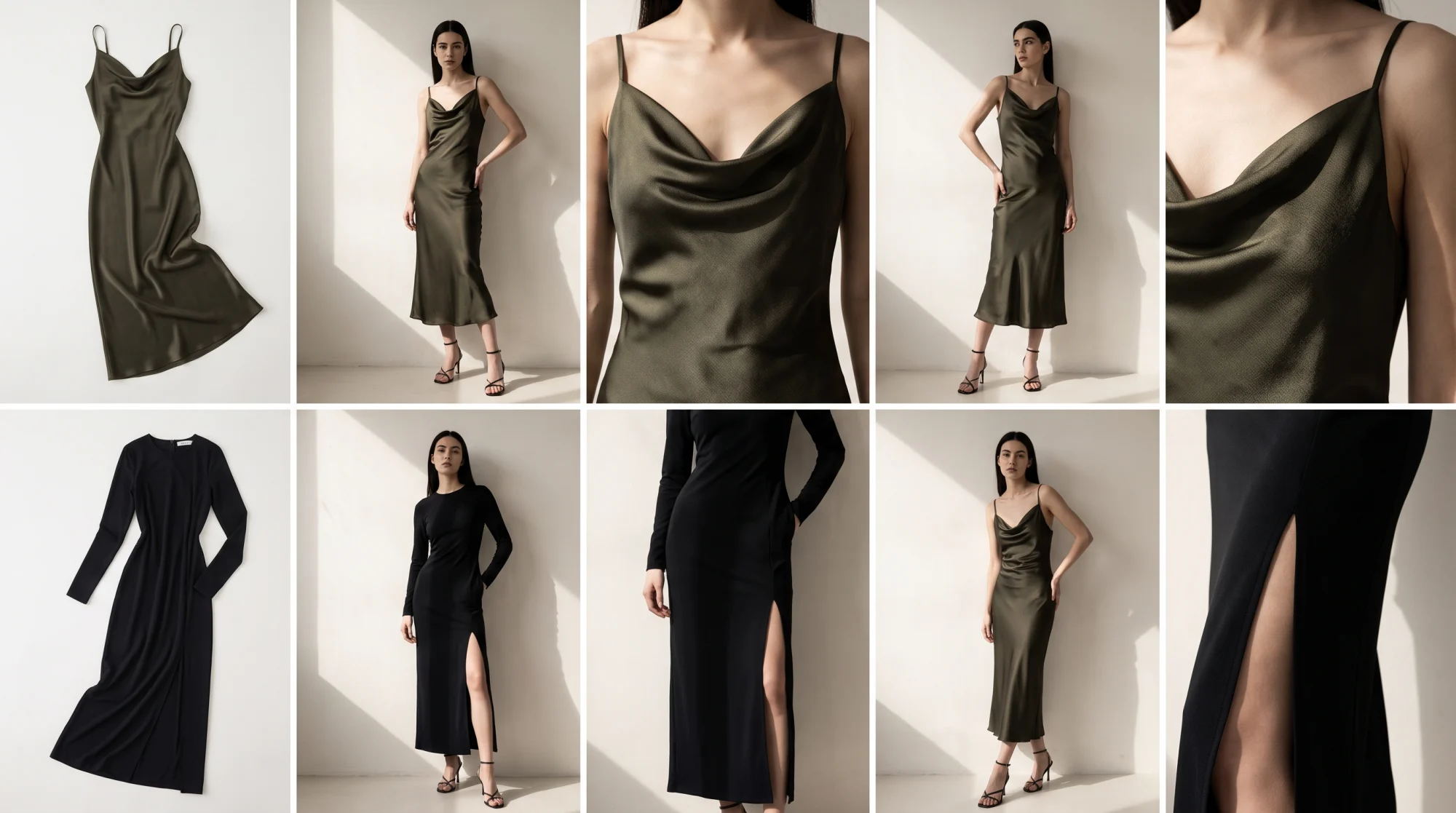
Olive satin slip dress
What sellers ask
Can one AI model wear my whole collection?
Yes. Pick one of 500+ models, or from the Premium plan your own model or yourself, and use that same person for every garment, which is what the demo on this page shows. You shoot one garment at a time from an ordinary flat, hanger or ghost-mannequin photo, and on a paid plan a “Same model” button brings the last model back in a click. The same pieces can then go on a second model for a different audience, with no new photoshoot.
How it works
How it works, step by step
You upload the flat photo, say what the garment is, pick one model, choose the poses and the background, then generate and download. Five or six clicks per garment, and the same model can be reused for the next one.
Upload the garment photo. Drop the flat-lay, hanger or ghost-mannequin shot into the upload area. One garment per shoot, and you repeat the run for each piece in the collection.
Say what the piece is. Choose Full Outfit, Top Only or Bottom Only, so the model is dressed around the garment instead of over it.
Choose a model. Pick from the AI clothing model library or upload your own person. On a paid plan a “Same model” button brings back the model from your last shoot, which is how a whole collection stays on one face.
Choose poses and a background. Select the front, back and side poses you want, then a studio or editorial background, or one of your own.
Review and generate. The review step shows every choice before anything is spent. Press Create Photo. A 2K photo costs one credit; 4K is included on Ultra and Max and costs one extra credit on Starter and Premium.
Check the result and download. Finished images land in your gallery. Open a shot, look at the print and the seams up close, and download it — or regenerate it if it did not hold.
Before you shoot
What your input photo needs
A plain, well-lit photo of the garment on its own, with the whole piece in frame. A phone camera is fine. You do not need a studio, a lightbox or a photographer.
Lay the garment flat, hang it, or shoot it on a ghost mannequin. Any of the three works. What matters is that the garment is the only thing in the picture: a plain floor, a white wall or a sheet is better than a busy rail, and nothing should crop off the edge of the frame. Even daylight beats a hard flash, because a strong shadow across a print tends to come back as a smudge on the model.
On the file itself the requirements are loose. JPG, PNG, WebP, HEIC and HEIF are all accepted, up to 50 MB per image. Anything under roughly 1024 pixels on its shortest edge will still upload, but you get a warning that a higher-quality photo gives a better result — and it usually does, because detail the input never captured cannot be invented later.
This is the part that replaces the shoot. Everything a traditional fashion photoshoot spends on models, studios and sample logistics collapses into one flat photo taken on your own table.
The limits
Where it struggles
Fine detail is the weak point. Small text, small logos, sheer fabric, sequins and complicated asymmetric construction are the pieces most likely to need several attempts, and some never come out right.
Printed text is the clearest failure case. A slogan across the chest can come back subtly wrong — a letter reshaped, the spacing off — and the smaller the print, the more often it happens. Small embroidered logos and dense repeating patterns fail the same way. Look at the close-up before you publish anything with words on it.
Fabric that is not opaque is the second problem. Chiffon, mesh and lace have to be rendered against a body that the flat photo never showed, so the drape and the amount of skin showing through can be wrong. Sequins and heavy beading tend to flatten or shimmer in the wrong direction. Wrap dresses, asymmetric hems, unusual fastenings and layered tailoring can be rebuilt with the construction subtly altered.
Exact colour is not guaranteed either. A specific brand red or a particular shade of navy can drift between the flat photo and the on-model shot, which matters if the same colour has to match across a product page.
None of this makes a garment impossible — it makes it a garment that takes more than one attempt. Retries are a normal part of the workflow, and every attempt costs a credit, including the ones you throw away. Run your most difficult piece first, on the free photos, and you will know within a few minutes which half of your catalogue is easy and which half is work.
The portfolio
The full collection: ten garments, one model
All ten garments, the flat photo beside the on-model view, with a close-up of every print and logo.
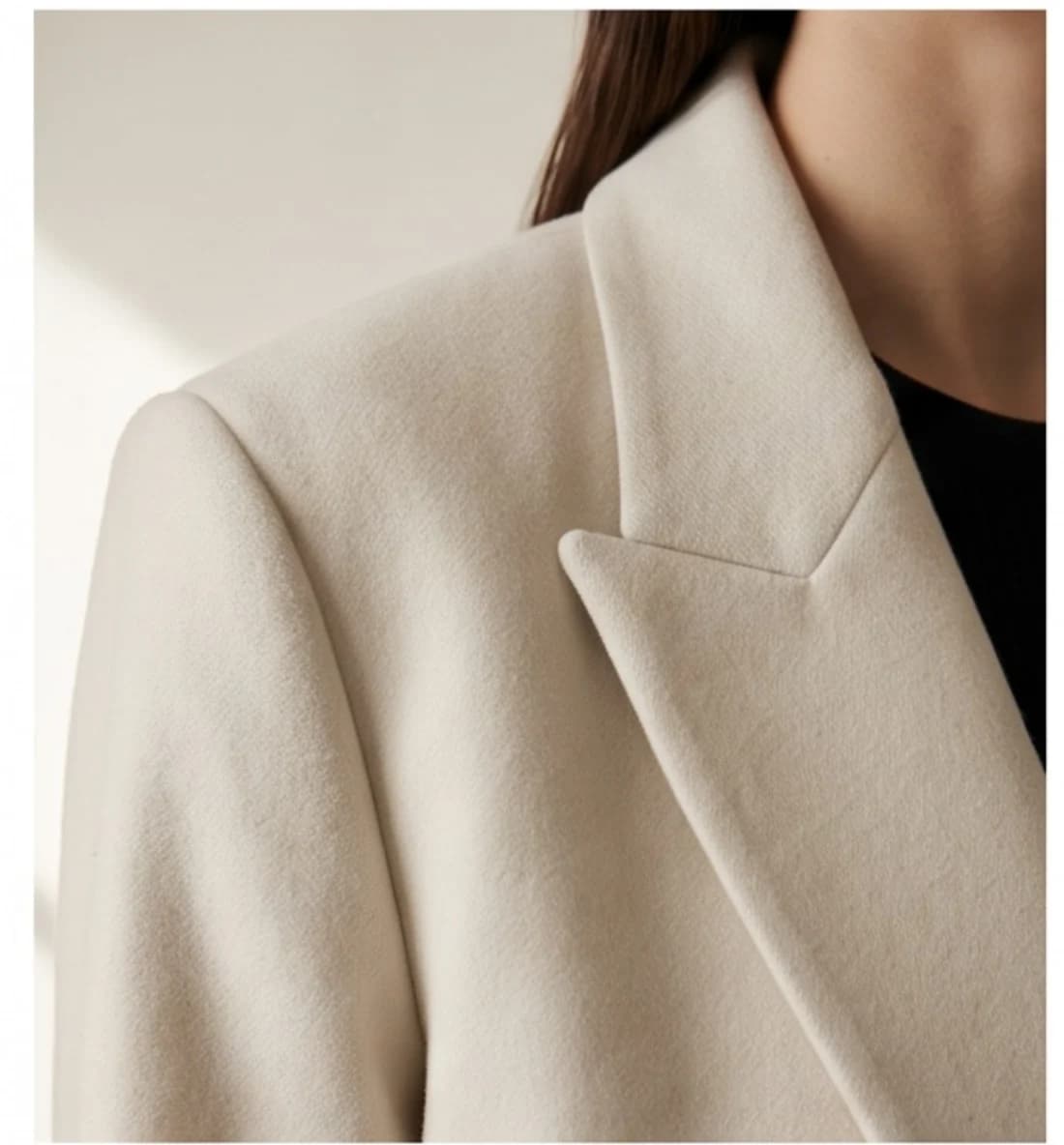
Bone wool blazer
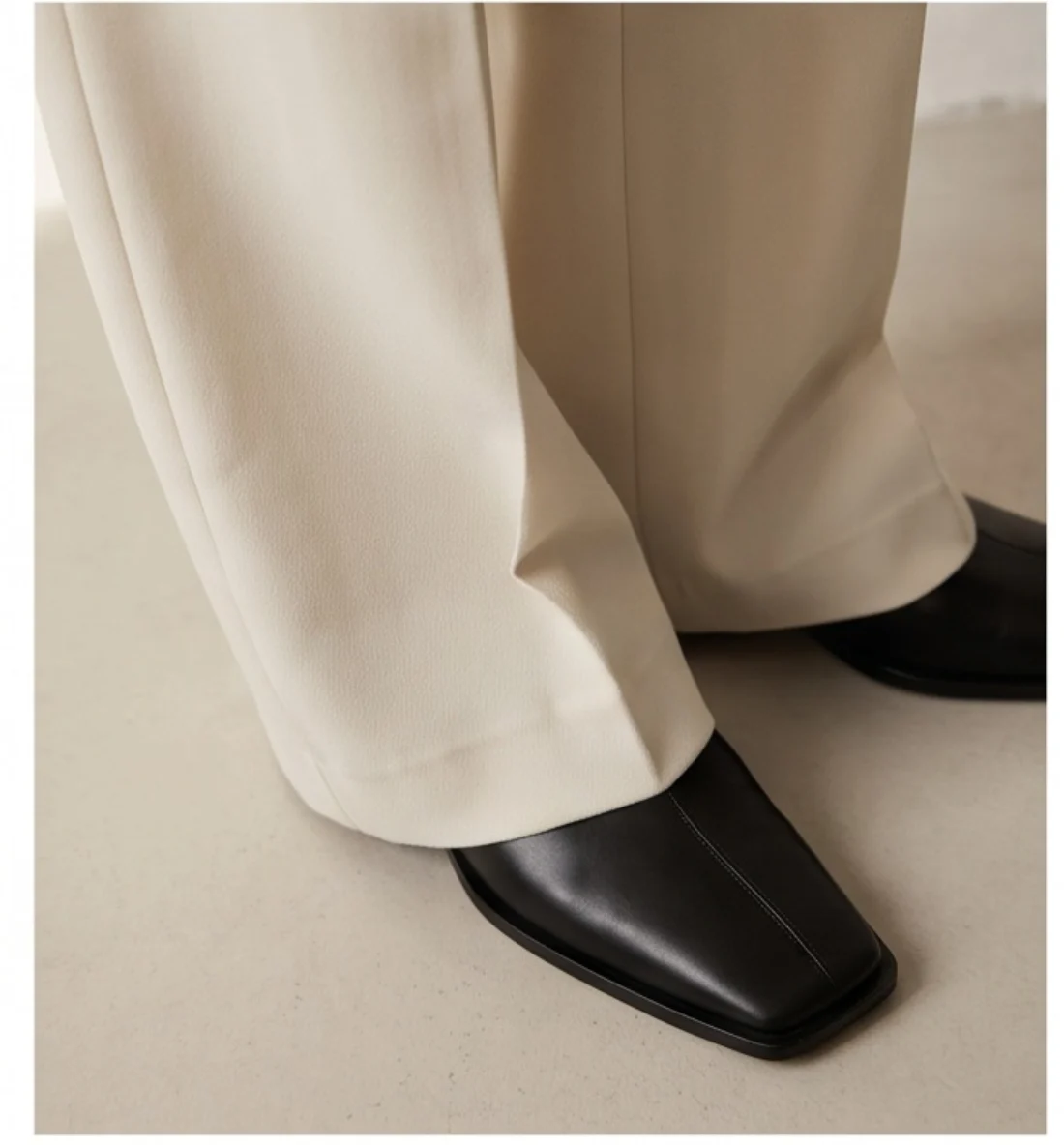
Wide-leg tailored trousers
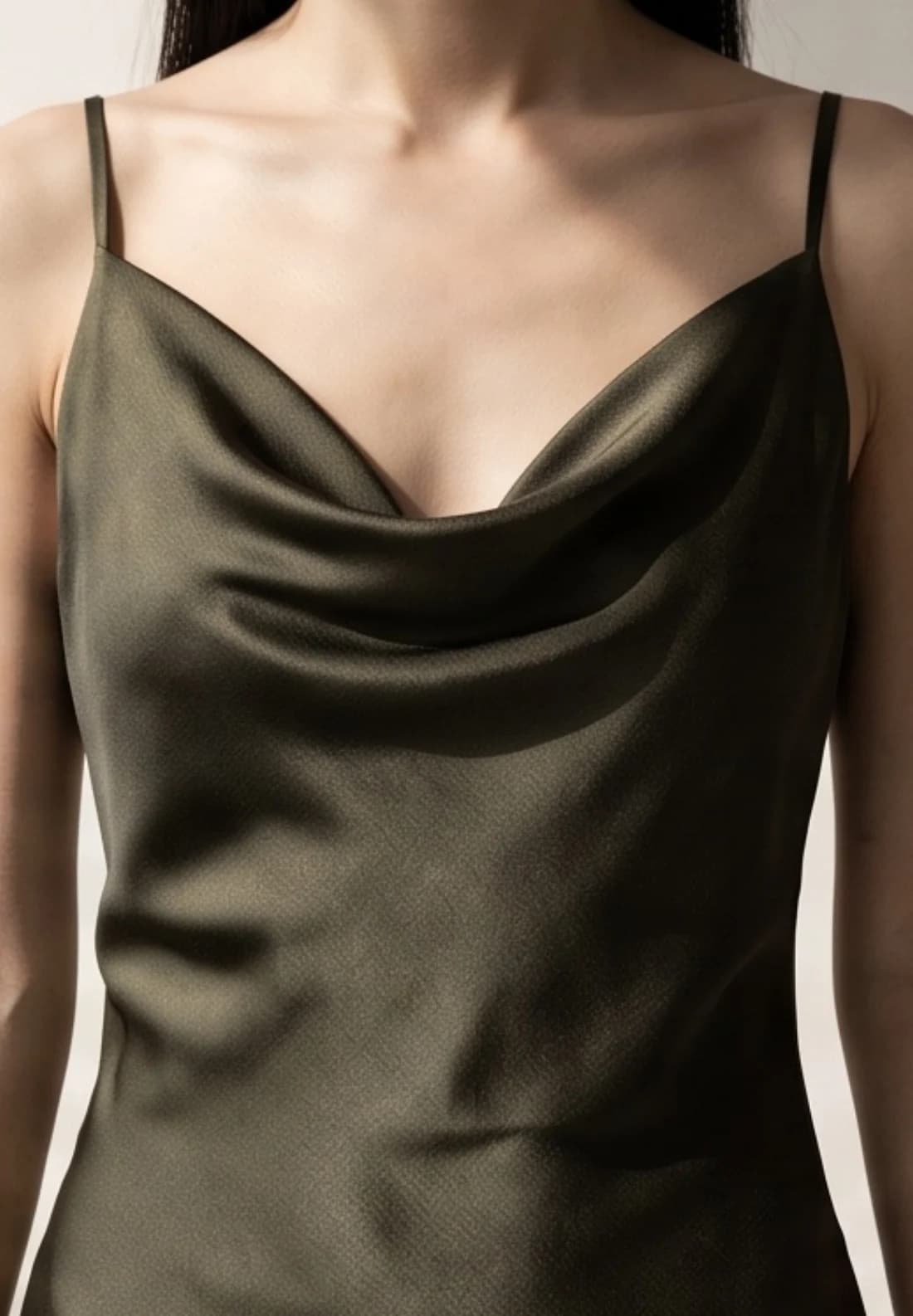
Olive satin slip dress
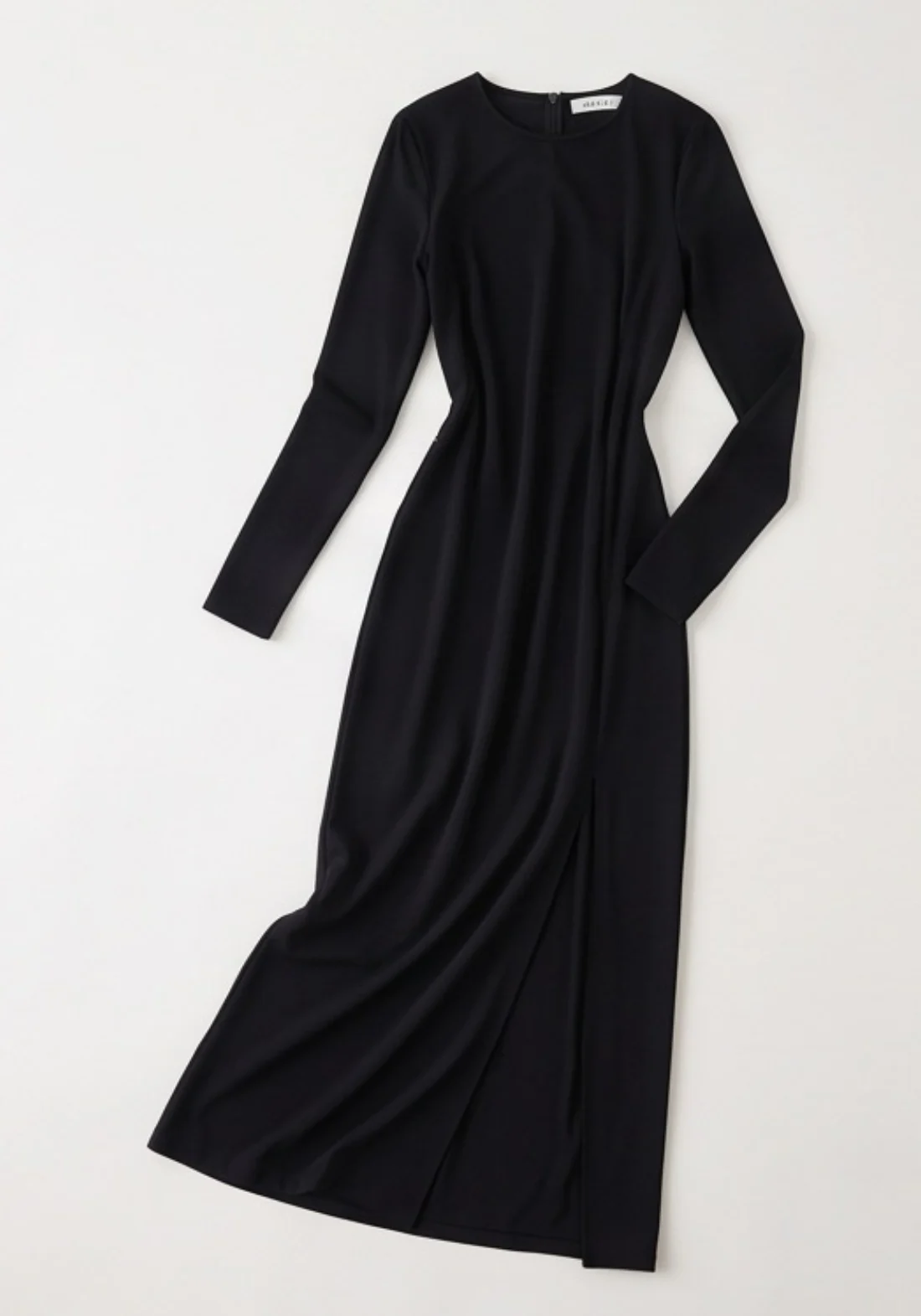
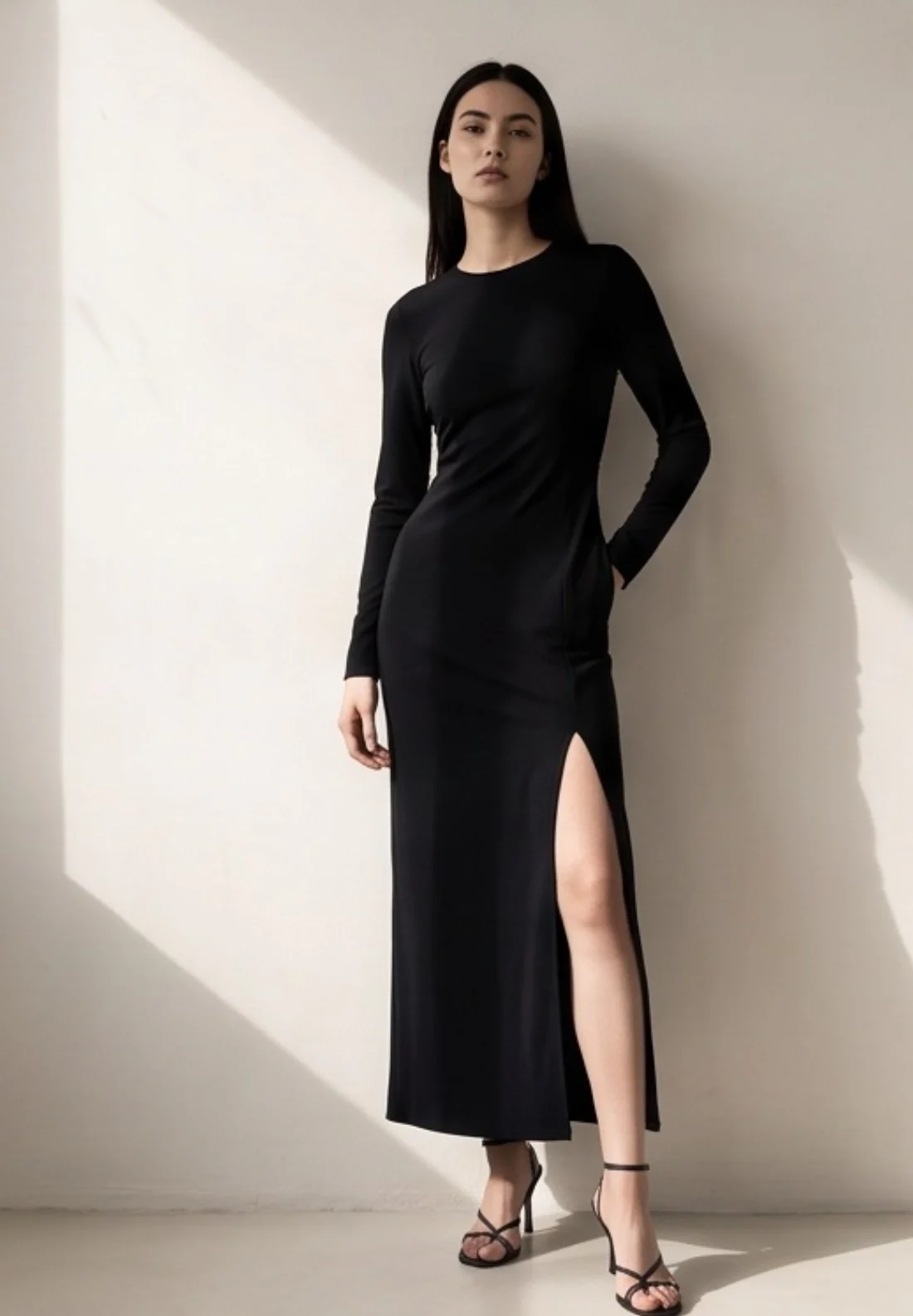
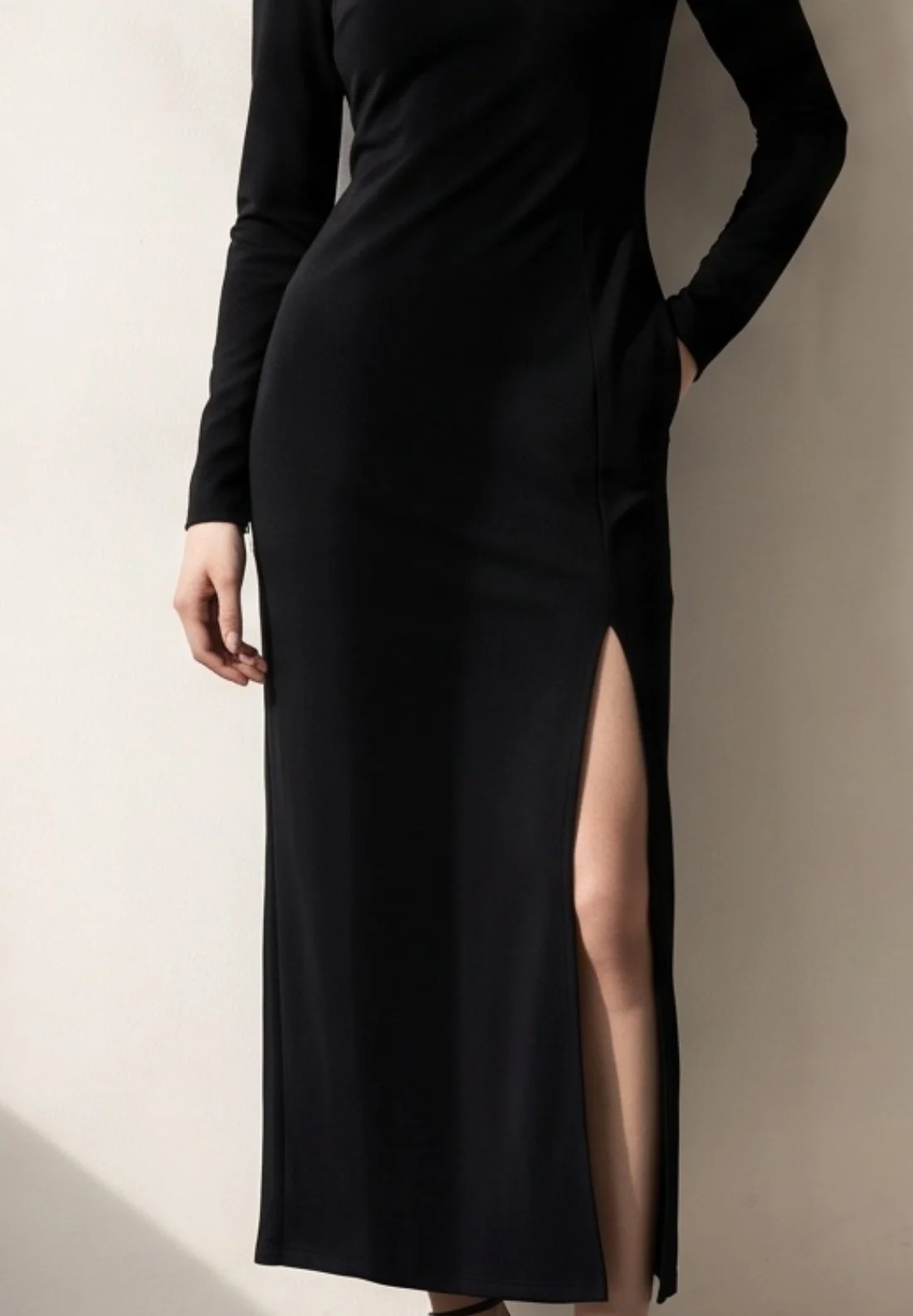
Black column dress
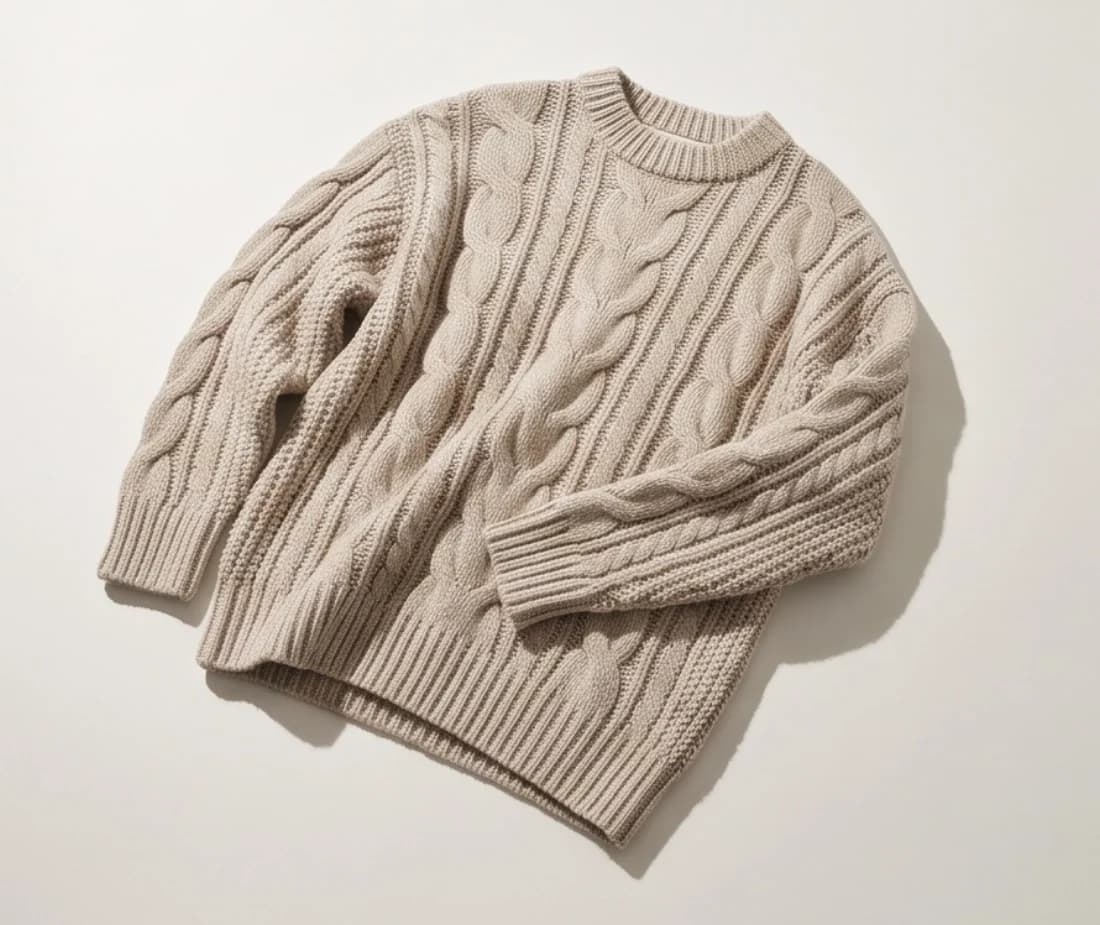
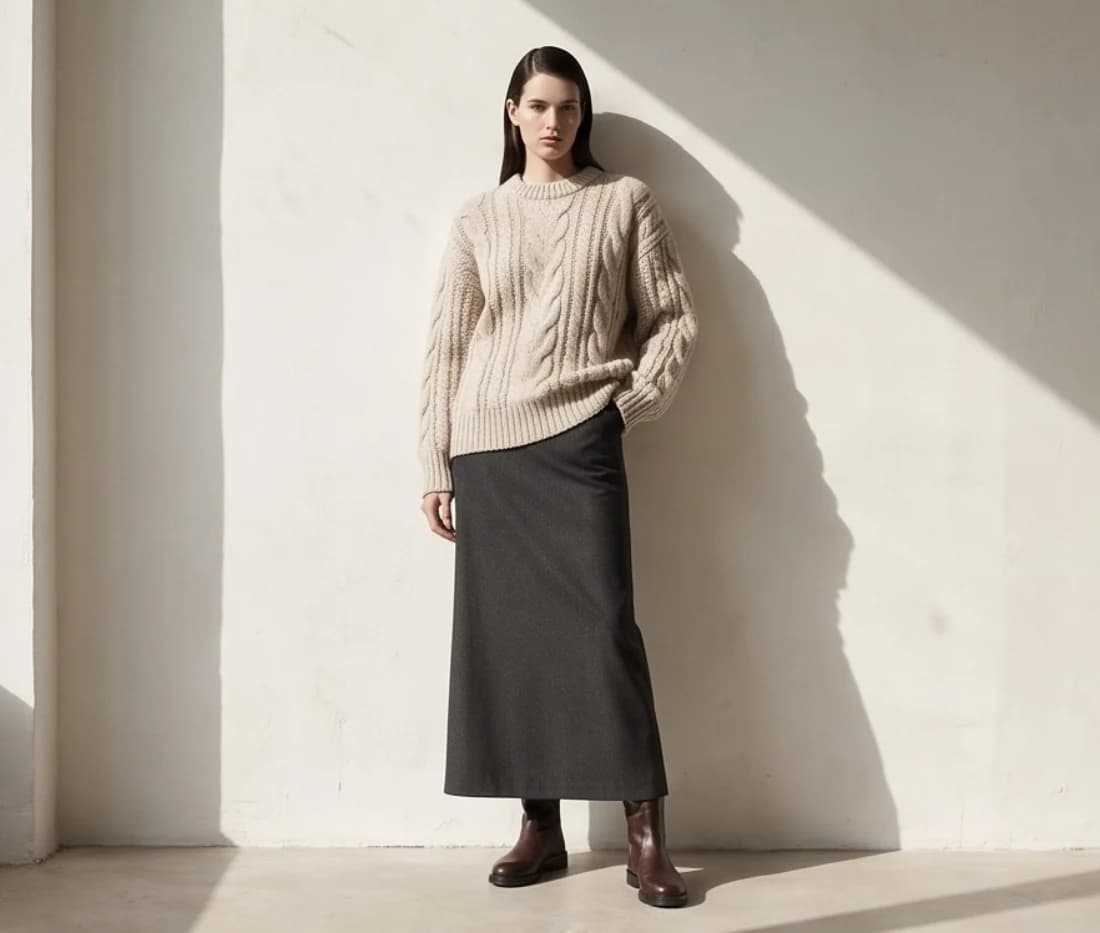
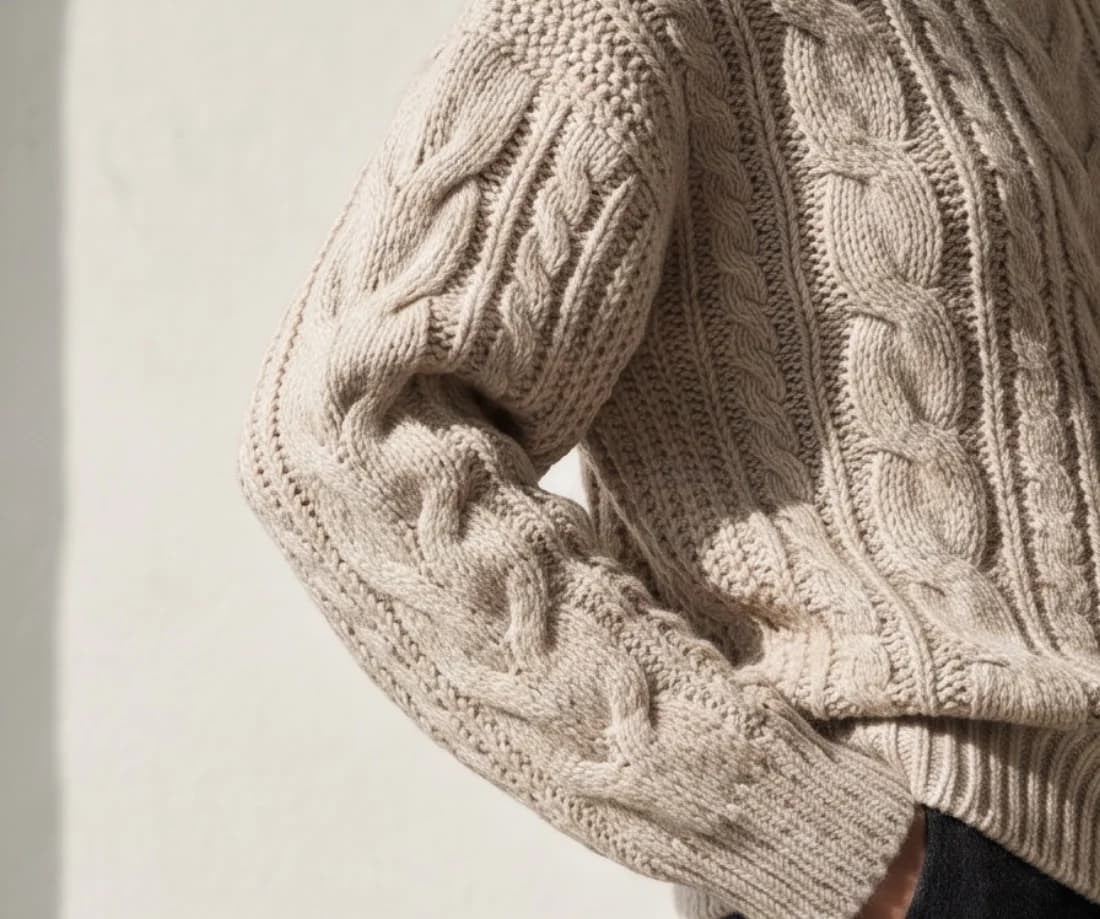
Cable-knit sweater
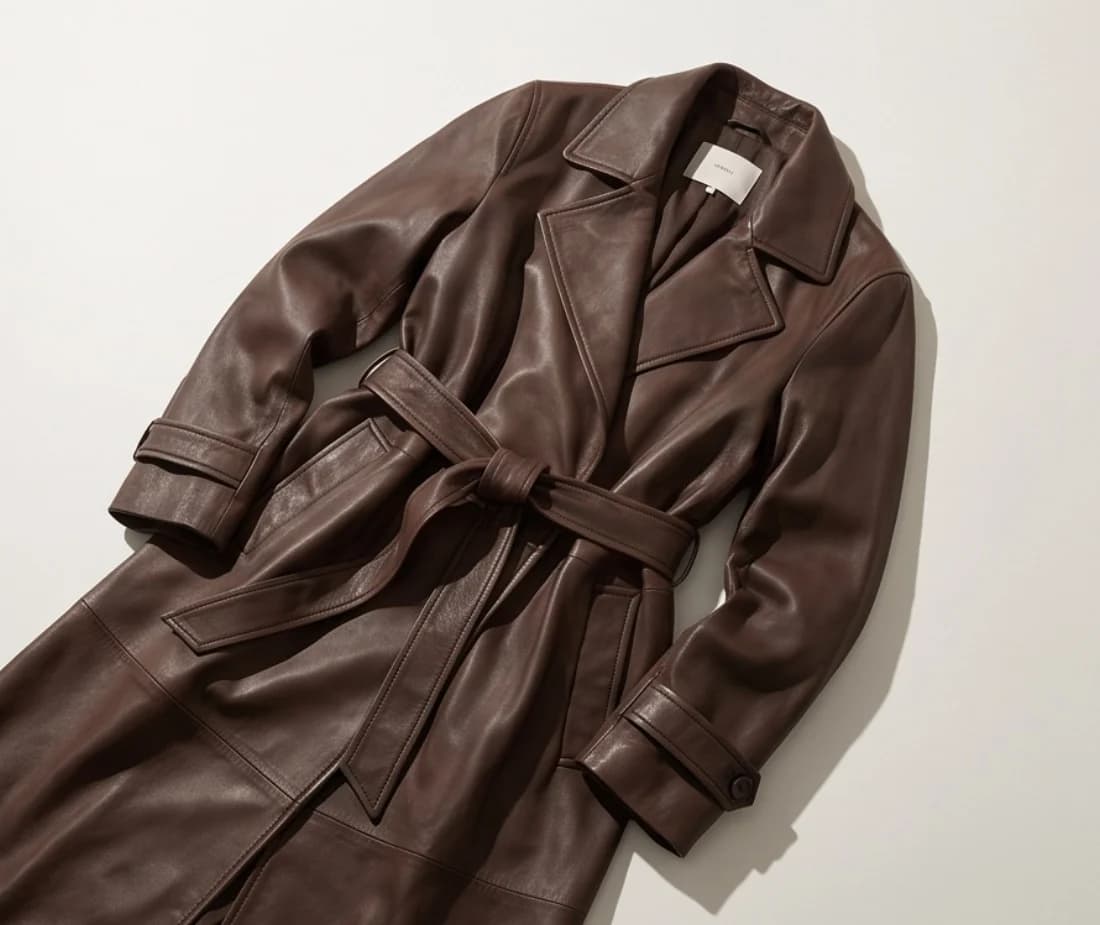
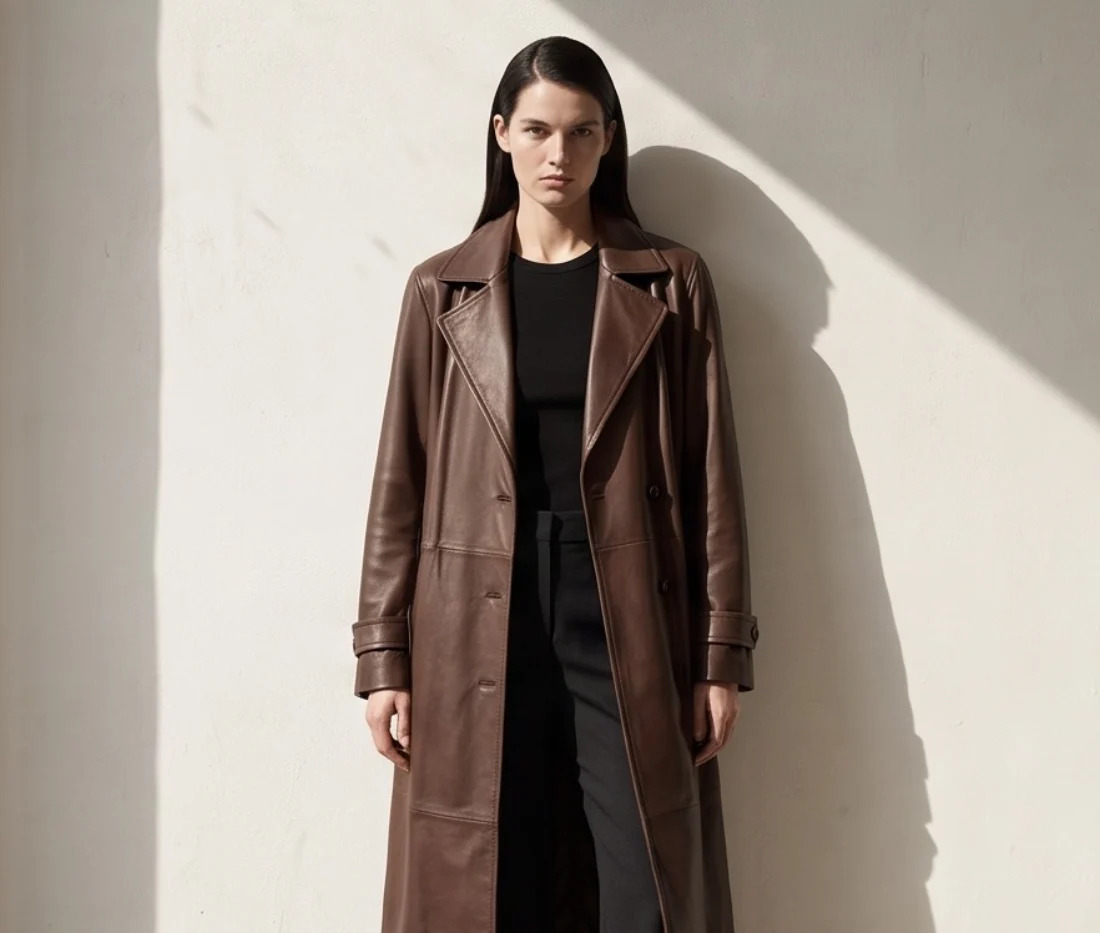
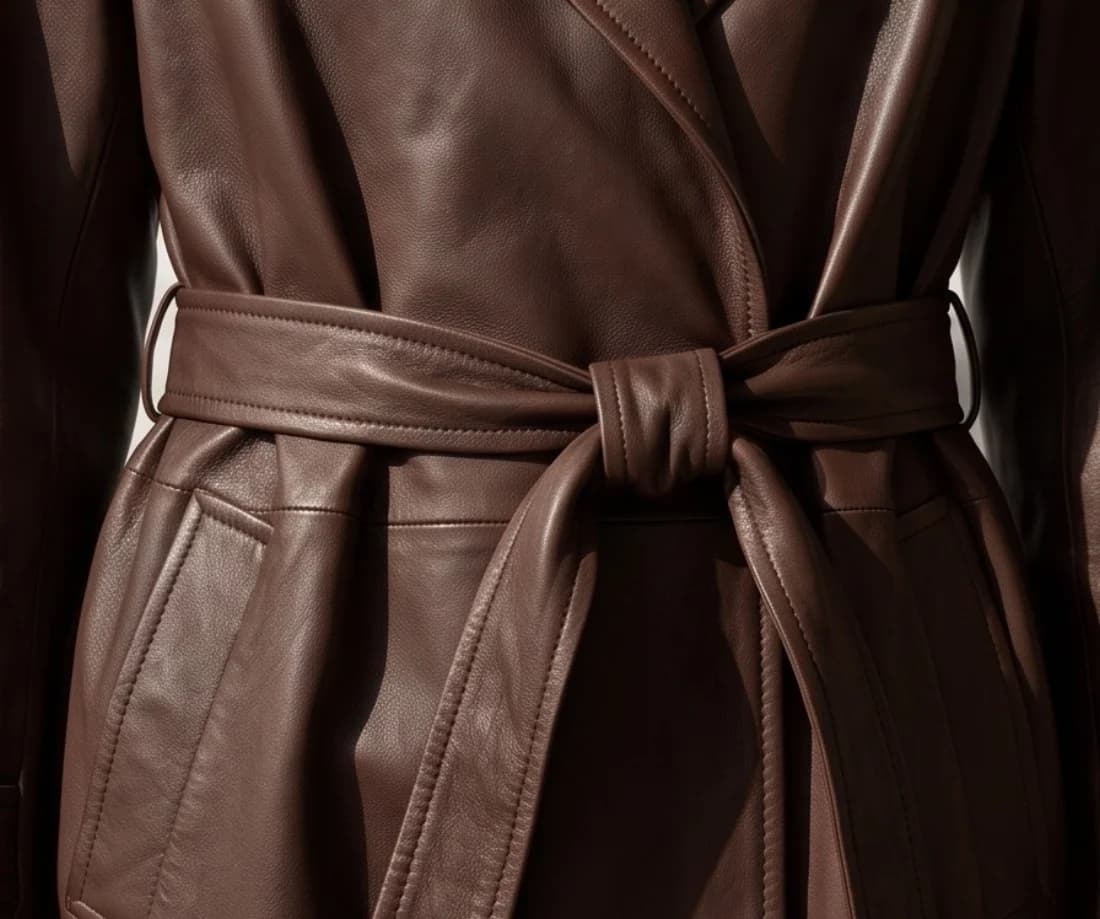
Leather trench coat
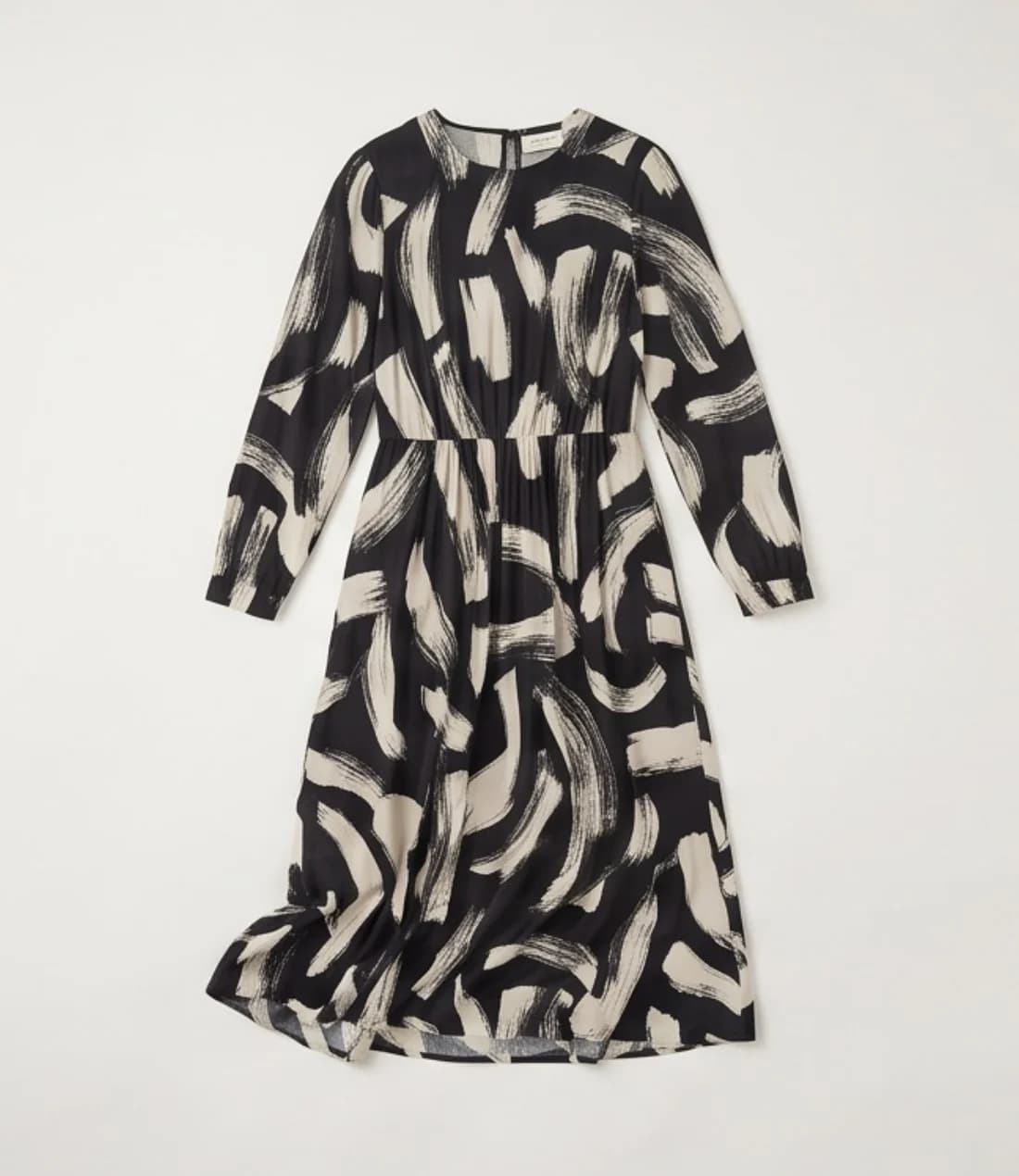
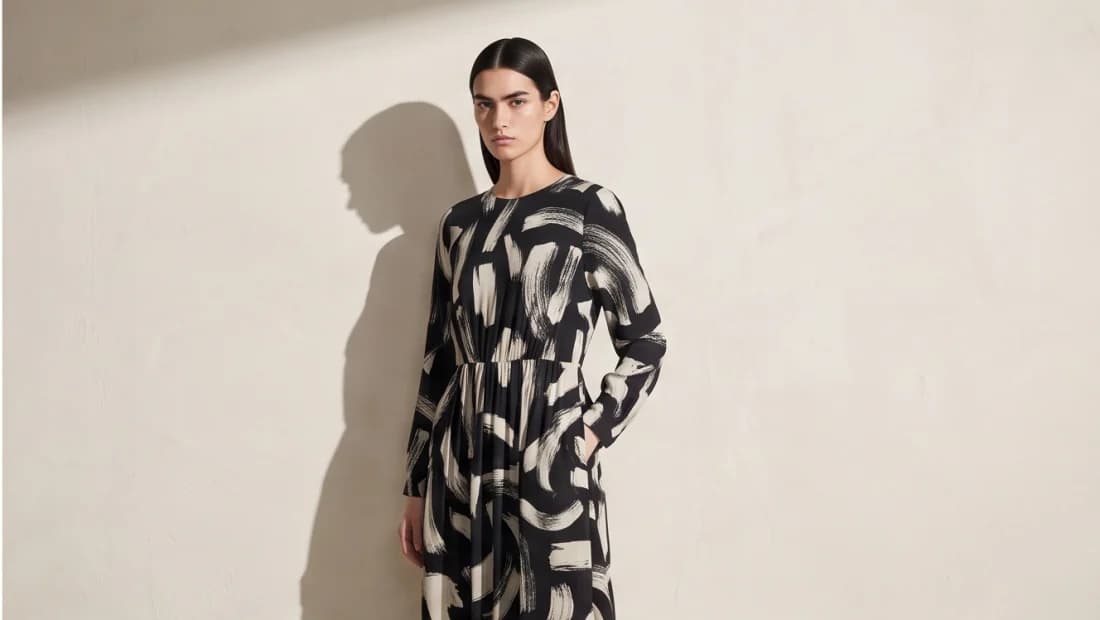
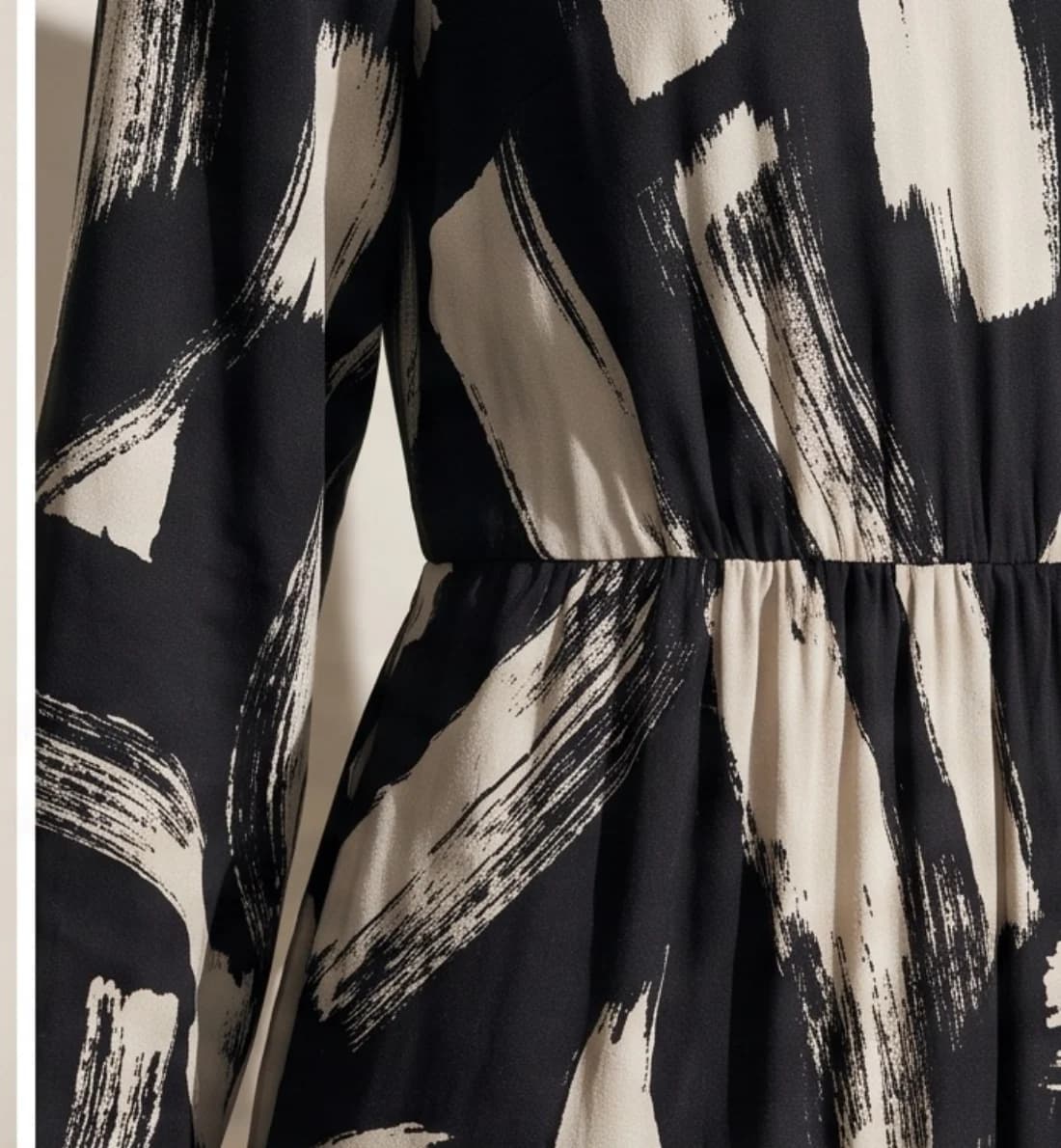
Brushstroke print dress
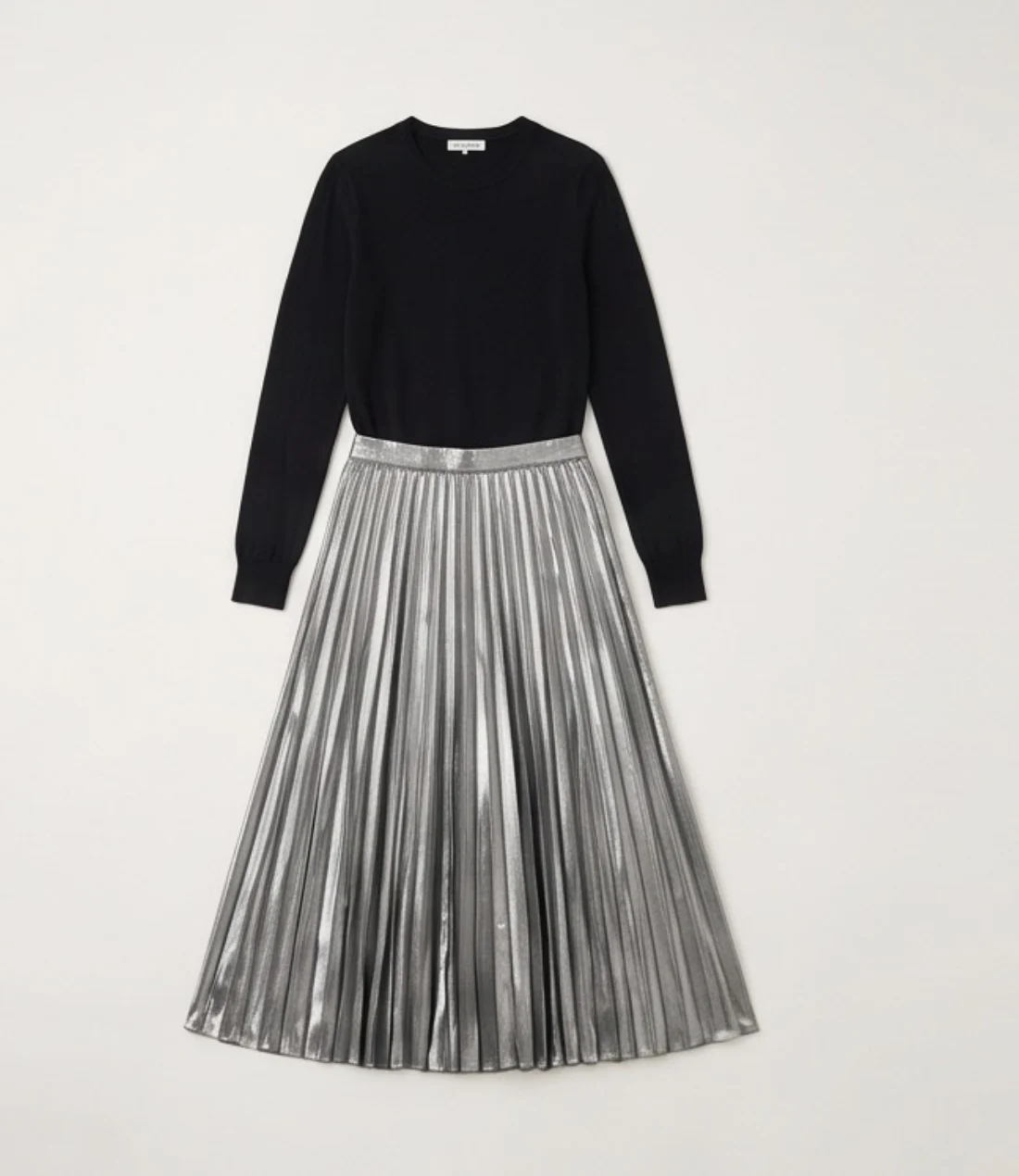
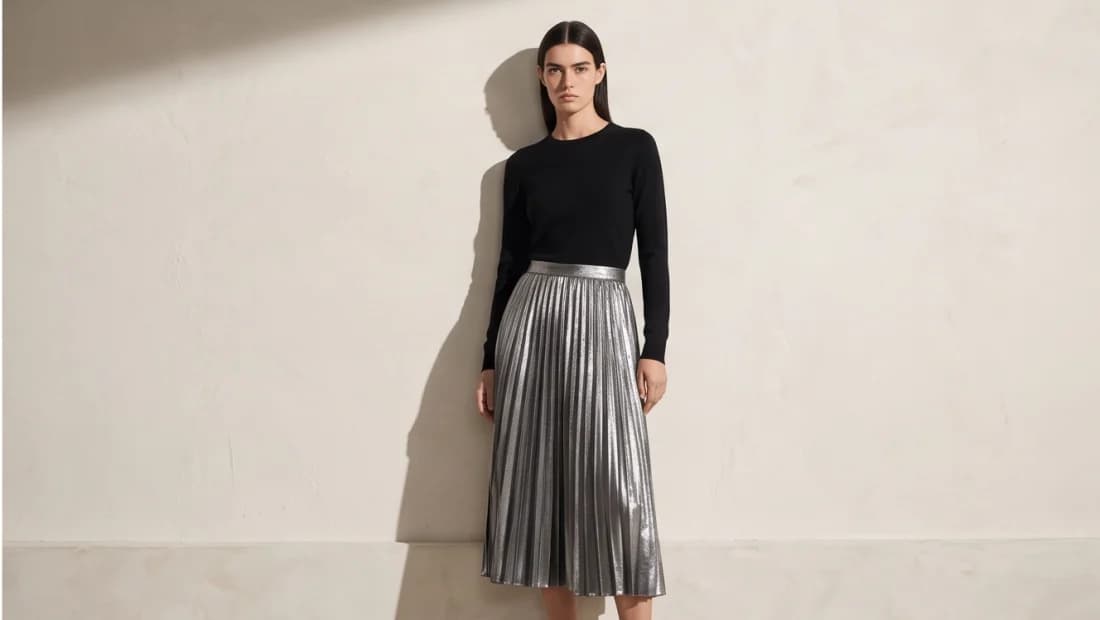
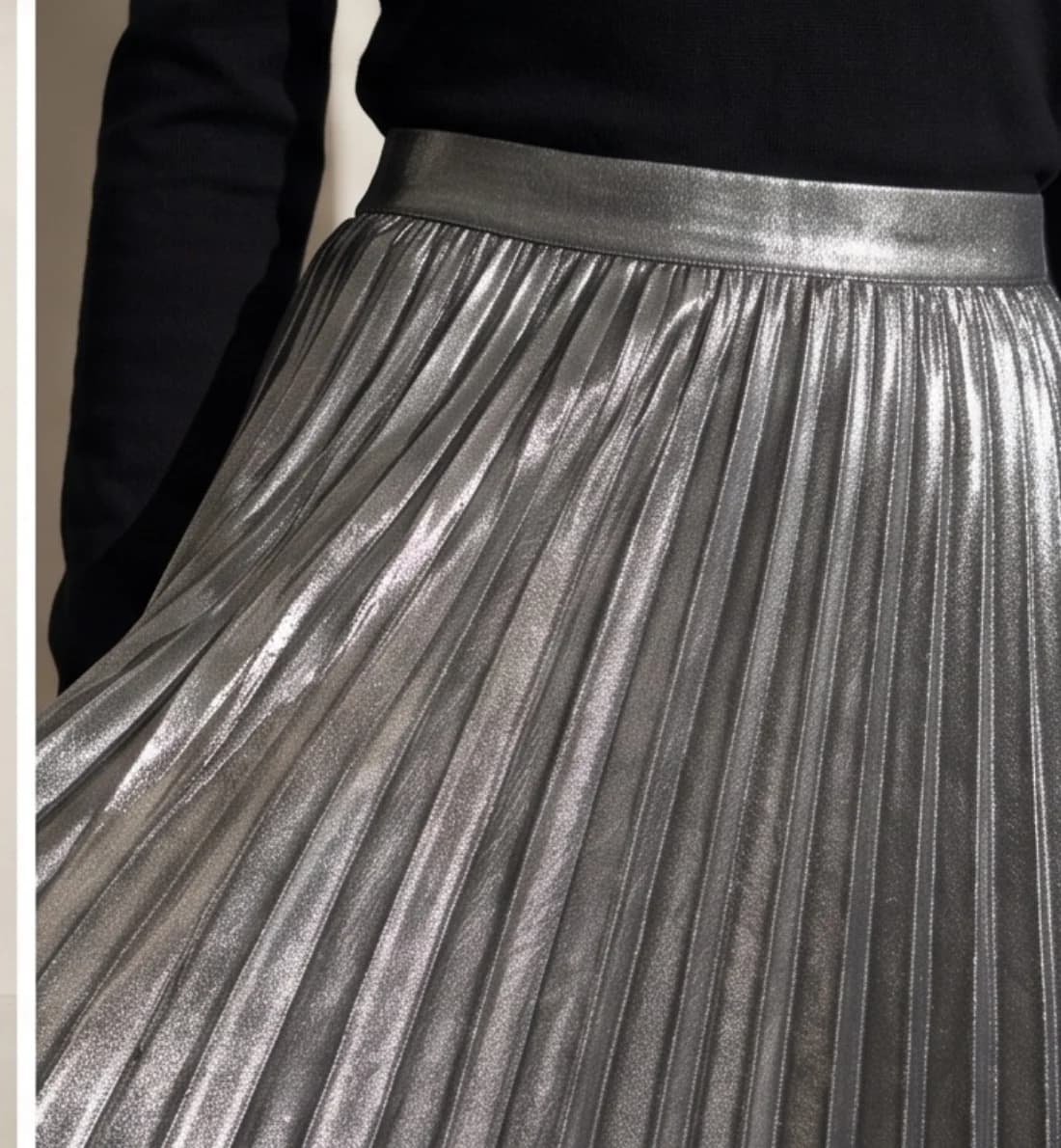
Metallic pleated skirt
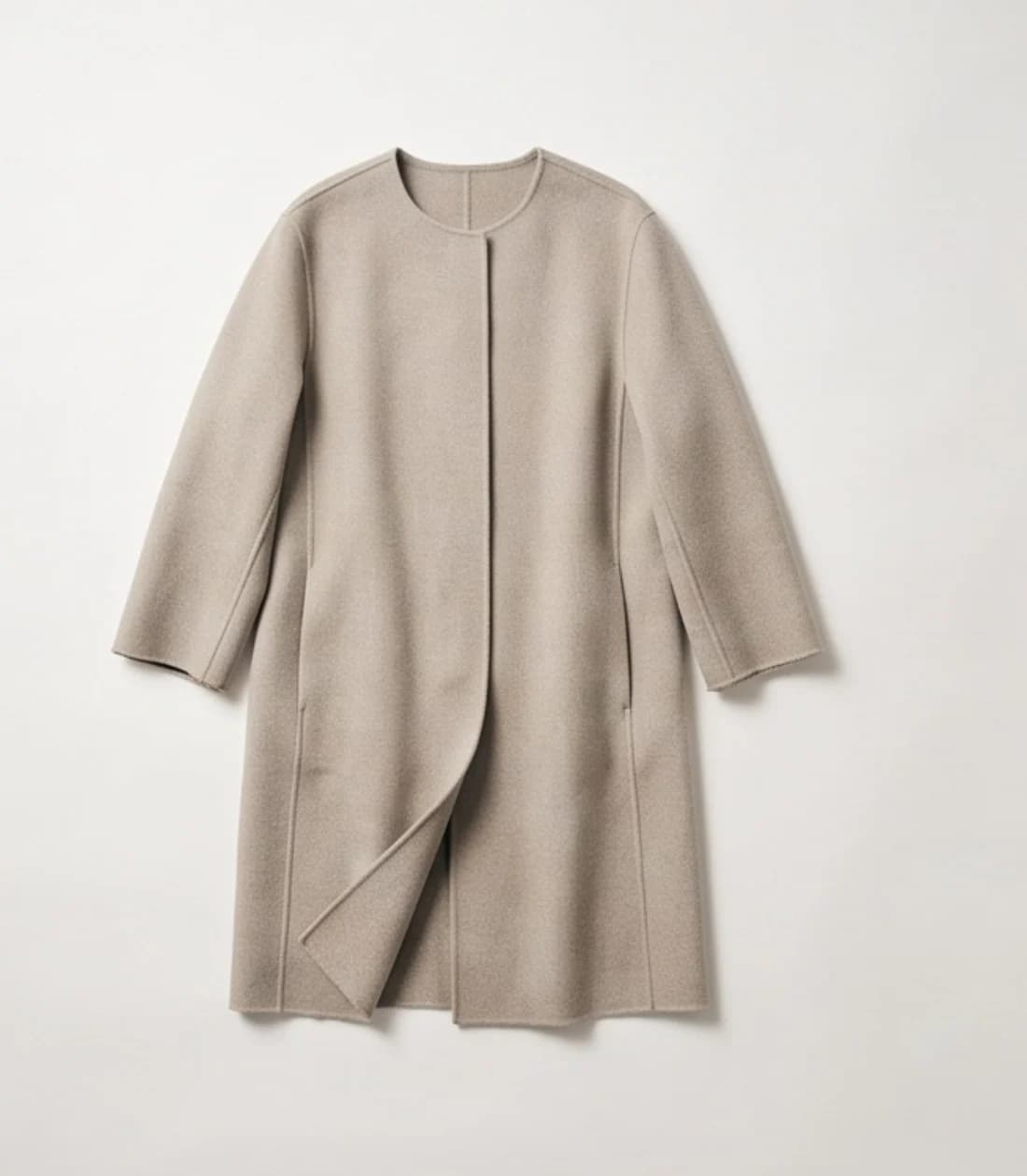
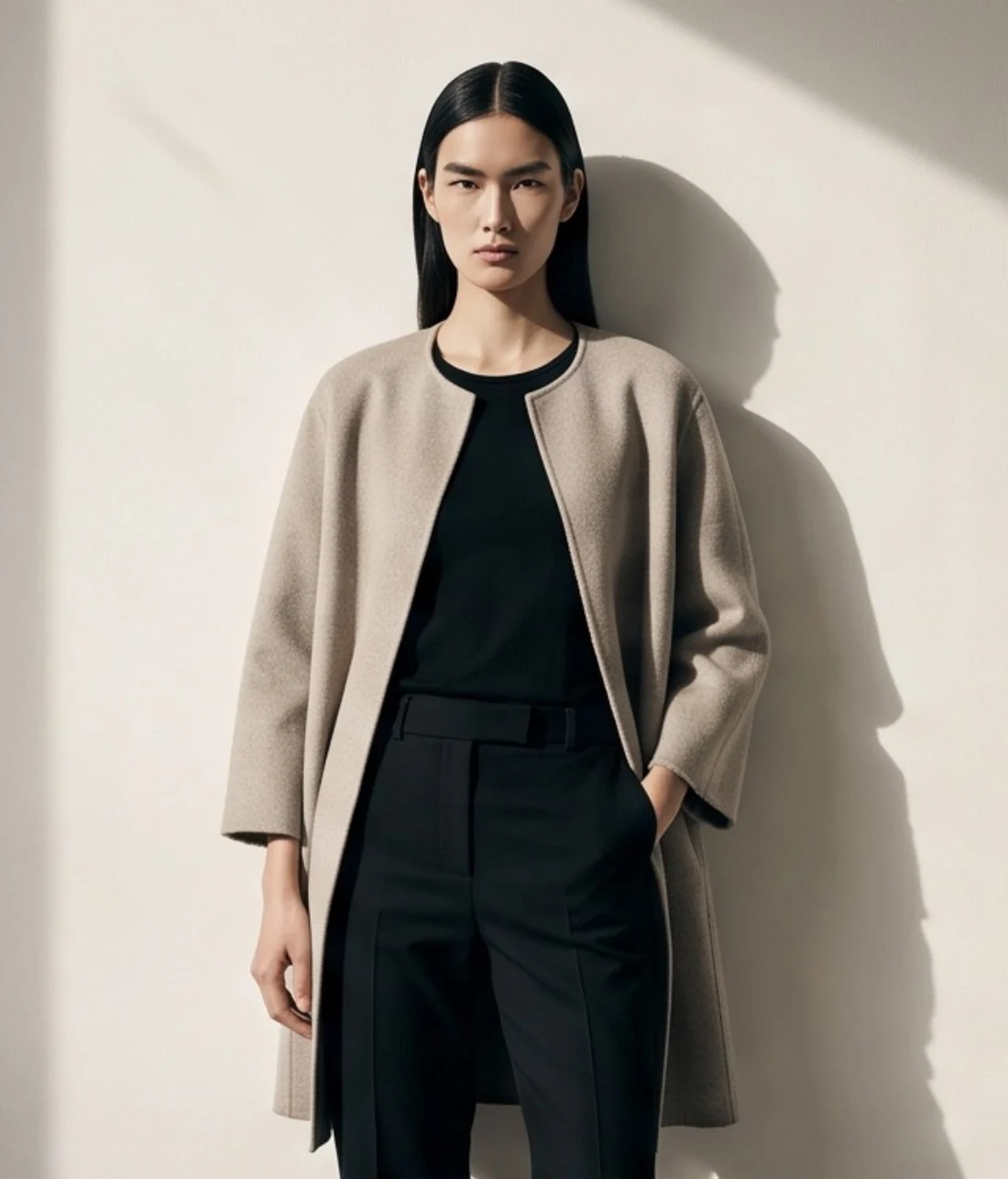
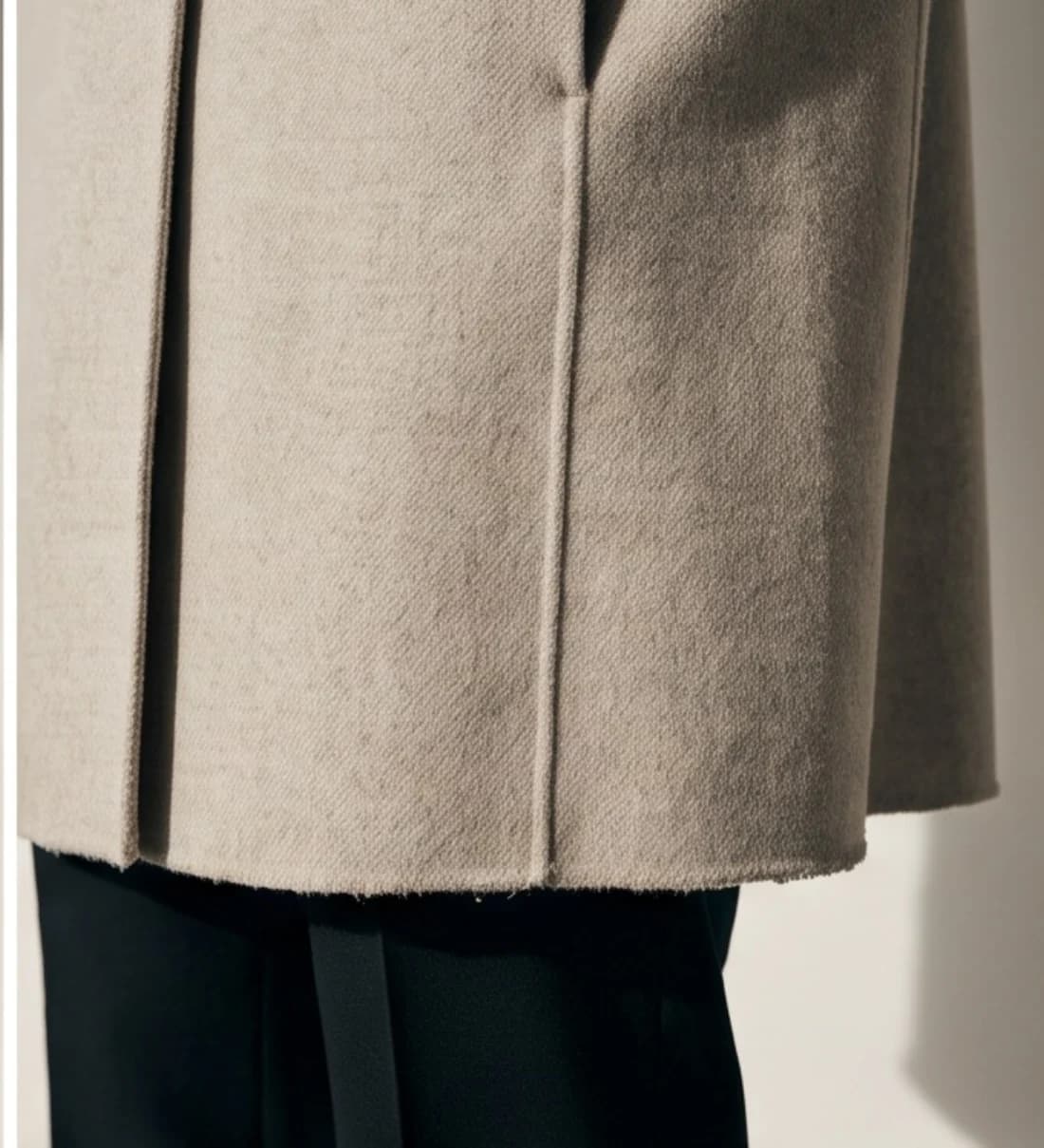
Stone wool coatdifferent model
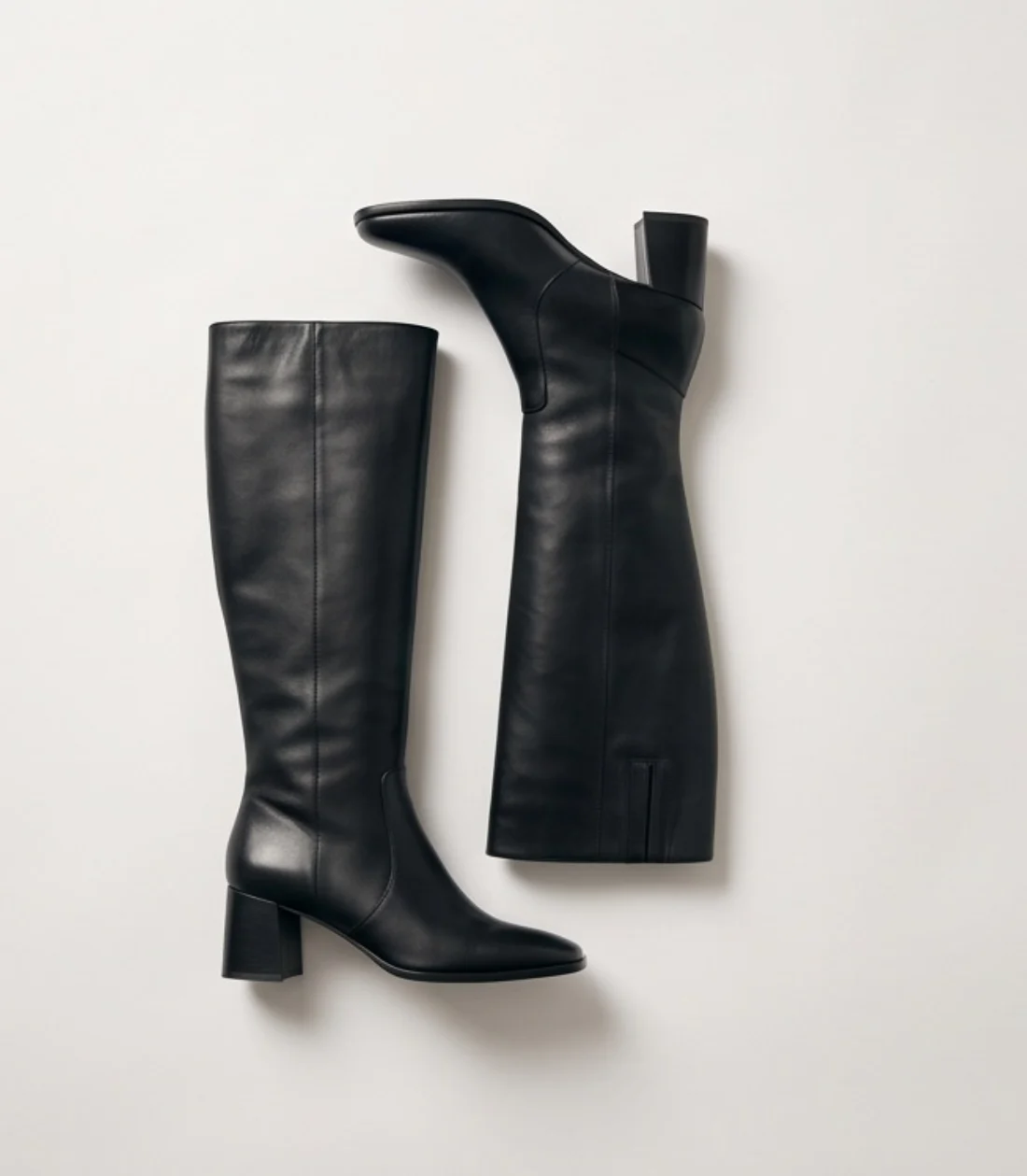
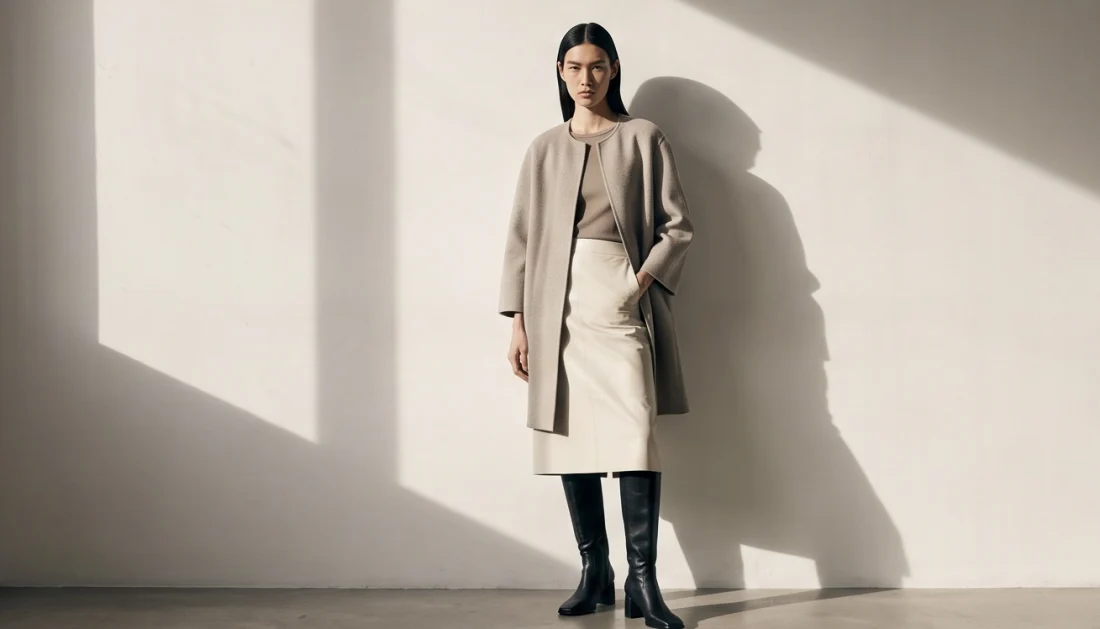
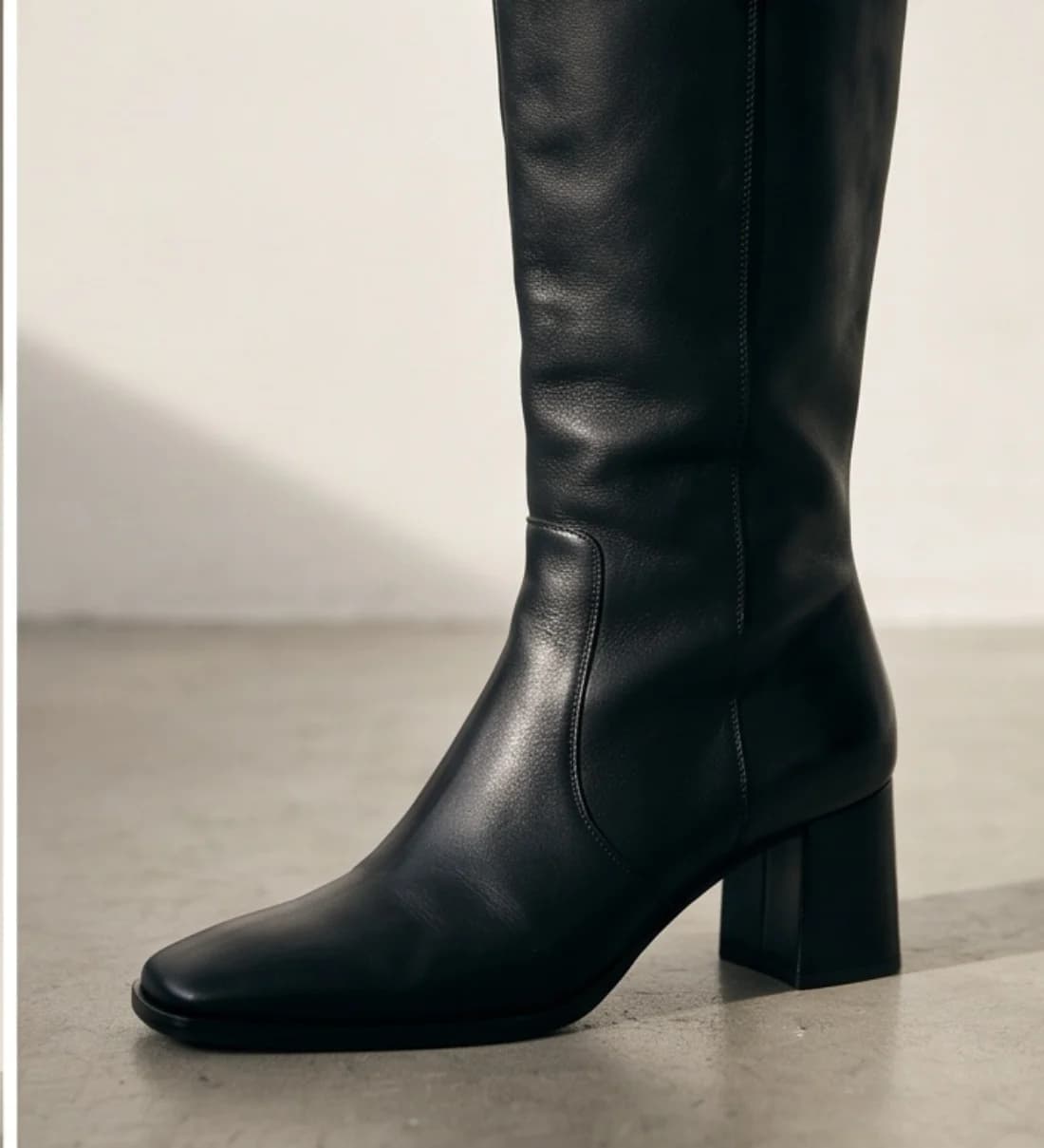
Knee-high leather bootsdifferent model
The models
Choose a model, or use your own
500+ models to pick from, or upload your own model or yourself.
Take a picture, upload it in a few clicks, and every garment in the collection is photographed on that person.
You are not locked to one face either. The last two sets above are the same collection shot on a different model, which is how you show the same pieces to a different audience without a second photoshoot.
Not only clothing. Shoes, bags, hats, watches, jewellery, glasses, scarves and hijab styling all go on models the same way, and the same photos can become ghost-mannequin shots or short videos. If you sell modest clothing, there is a separate walkthrough of on-model photography for abayas, hijabs and modest fashion.
Beyond clothing
Not just clothing
Accessories go on models the same way, from the same kind of flat photo. Each category has its own poses, angles and walkthrough.
- AI bag photography for handbags, totes and crossbody bagsOn-model and editorial scenes for handbags, totes, shoulder bags, clutches and backpacks.
- AI jewelry photography for necklaces, earrings and ringsNecklaces, pendants, chains, earrings, bracelets and rings, worn and shot close up.
- AI shoe photography for sneakers, heels and bootsSneakers, heels, boots, sandals, loafers and flats, on foot or as studio product angles.
- AI hat photography for caps, beanies and bucket hatsCaps, beanies, bucket hats, fedoras and wide-brim hats, worn or on their own.
- AI watch photography for wristwatches, smartwatches and dress watchesWristwatches, smartwatches, dress watches and chronographs, on a wrist or on a surface.
The price
Pricing
From $0.33 per day. Photos as low as $0.25 each.
$9.99/month is the Starter plan billed annually (300 credits a year). $0.25 per photo is the Max annual 10,000-credit pack.
10 free photos, no card.
Questions
Questions store owners ask
Will it work with my products?
It depends on the garment. The honest test is your own garment: you get 10 free photos with no card, so run it before you decide.
Do logos and prints survive?
Fine print, small logos and dense patterns are the details to inspect first. Run your printed pieces early and check the close-up view in your gallery at full resolution to see whether a print held.
Can I keep the same model for the whole collection?
Yes. Pick one model and use it for every garment in the collection, which is what the ten sets above show. One convenience note: the choice resets between shoots, so you select that model again each run. On a paid plan a "Same model" button brings the last one back in a click.
Can I show the same collection on a different model?
Yes, and it is one of the reasons to work this way. Run the same garment photos again with another model selected and you get a second set of images for a different audience, with no new photoshoot. The last two sets above show exactly that.
Can I use myself as the model?
Yes. Upload a photo of yourself, or of your own model, and the garments are photographed on that person. Using your own model is available from the Premium plan.
Can I use the photos commercially?
Yes. Photos made on a paid plan can be used on your store, in ads and on social media. The 10 free photos are for testing.
What does it cost per photo?
One credit is one photo. $9.99/month is the Starter plan billed annually (300 credits a year). $0.25 per photo is the Max annual 10,000-credit pack. Top-ups are available if you run out mid-shoot.
What file should I upload?
An ordinary photo file: JPG, PNG, WebP, HEIC or HEIF all work, up to 50 MB each. Shoot the garment flat, on a hanger or on a ghost mannequin, against a plain background, with the whole piece inside the frame. Anything smaller than about 1024px on its shortest edge still uploads, but you are warned that the quality will show. A phone photo in daylight is enough.
How many tries does a photo usually take?
It varies by garment. A plain top in a solid colour often lands on the first try. A dense print, a small chest logo, sheer fabric or sequins can take several attempts before the detail holds, and some pieces never settle. Retries are normal, not a sign something is broken. The 10 free photos exist so you can find out where your own products fall before you pay anything.
How do I keep the same model across my whole collection?
Pick one model, from the 500+ in the library or, from the Premium plan, your own model or yourself, and shoot your garments one at a time. The model choice resets between shoots, so select the same model again for each garment; on a paid plan the “Same model” button brings back the model from your last shoot in a click. Keep the same poses and background for every piece so the whole set matches, and check each photo at full size before you publish it.
Get started
10 free photos, no card. From $0.33 per day. Photos as low as $0.25 each.
$9.99/month is the Starter plan billed annually (300 credits a year). $0.25 per photo is the Max annual 10,000-credit pack.