Comparison
Best flat-lay to on-model AI tools for clothing stores (2026)
Most comparisons count credits. Clothing sellers count something else: how many photos they can actually use, with the garment unchanged and the same model across the collection. Eight tools that turn a flat-lay, ghost-mannequin or hanger photo into an on-model photo, judged on the five things sellers check before they buy. Every price comes from the vendor's own pricing page.

 By James Whitaker
 · Reviewed by Sofia Moretti |Fact-checked|9 min read
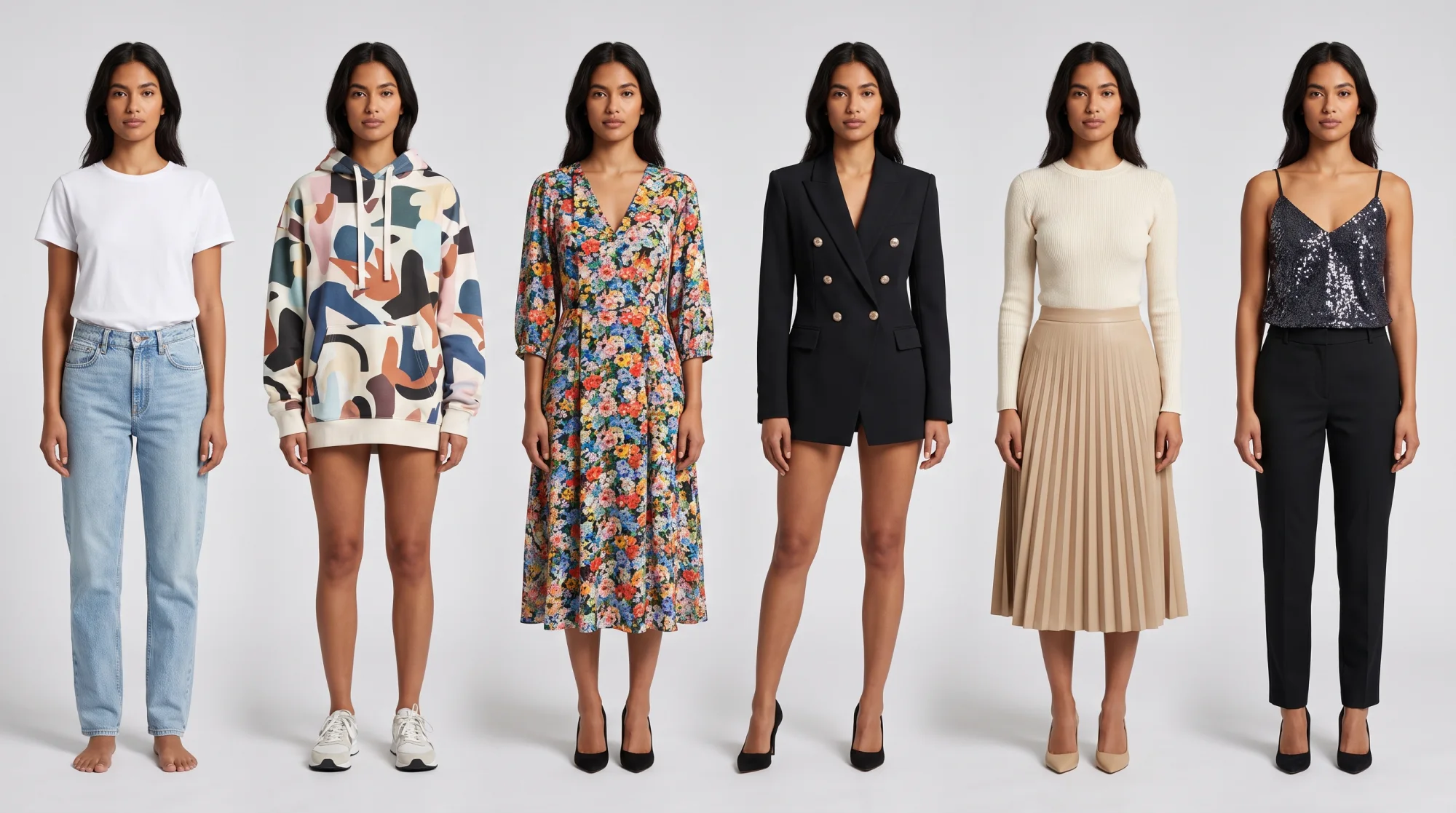
Key takeaways
- 1Judge a tool by cost per usable photo, not by the price of a credit.
- 2Two things decide whether a tool is worth keeping: your garment staying exactly as it is, and one model across the whole collection.
- 3Tryly is built for that job: one credit per 2K photo, the same model or your own across every garment, 500+ models, and 10 free photos with no card.
10 free photos, no card. Photos as low as $0.25 each.
On this page+
The short answer
The short answer
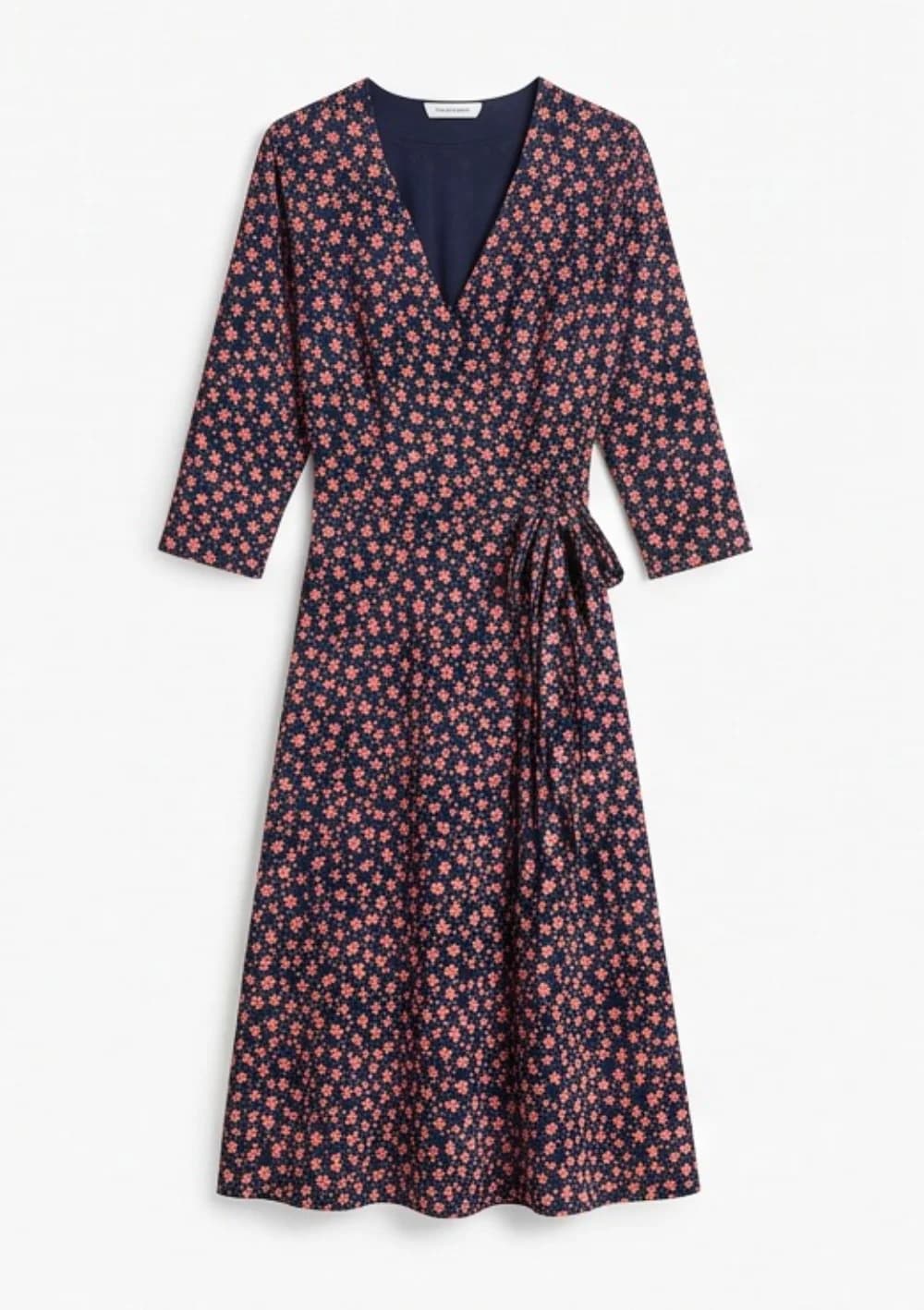
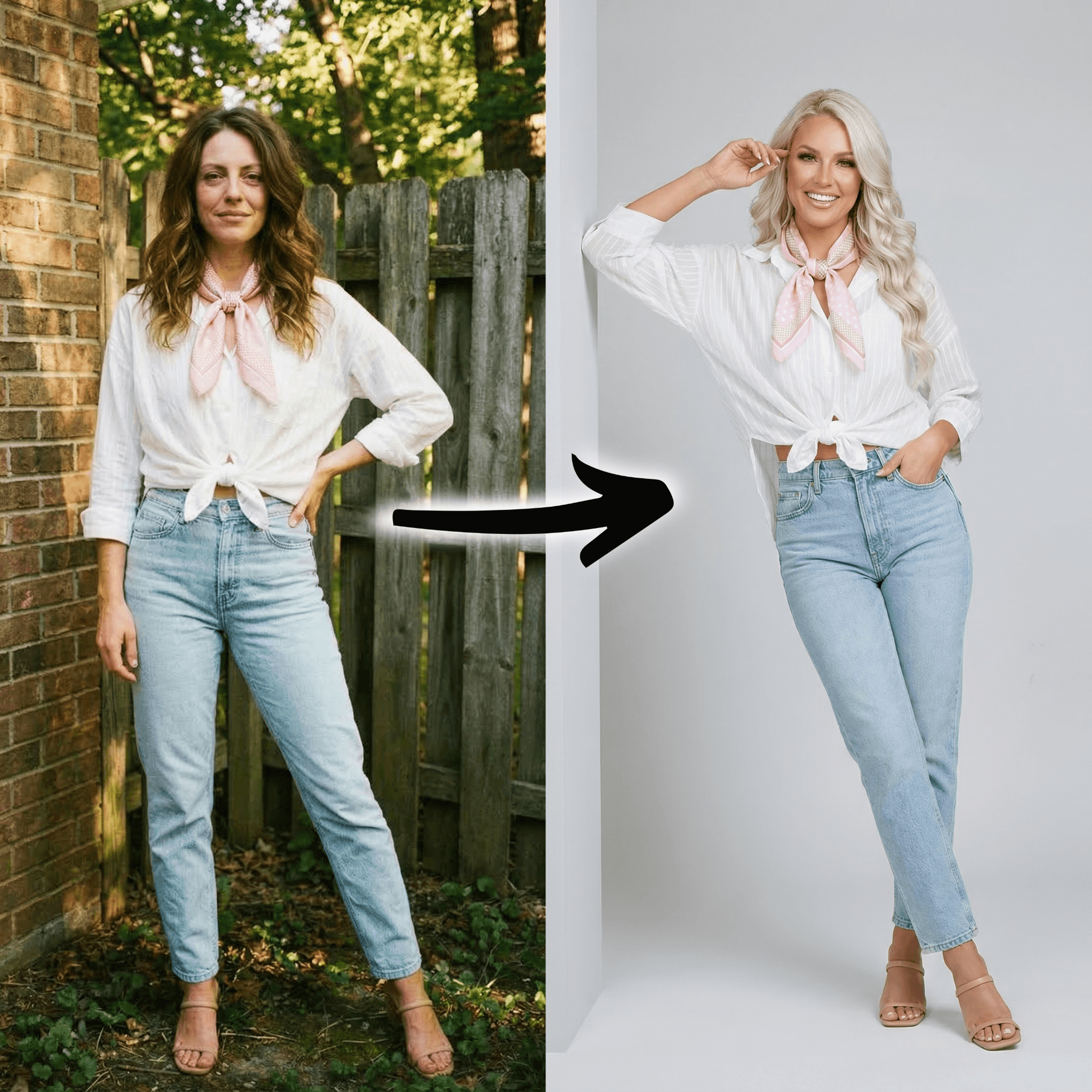
01 Original
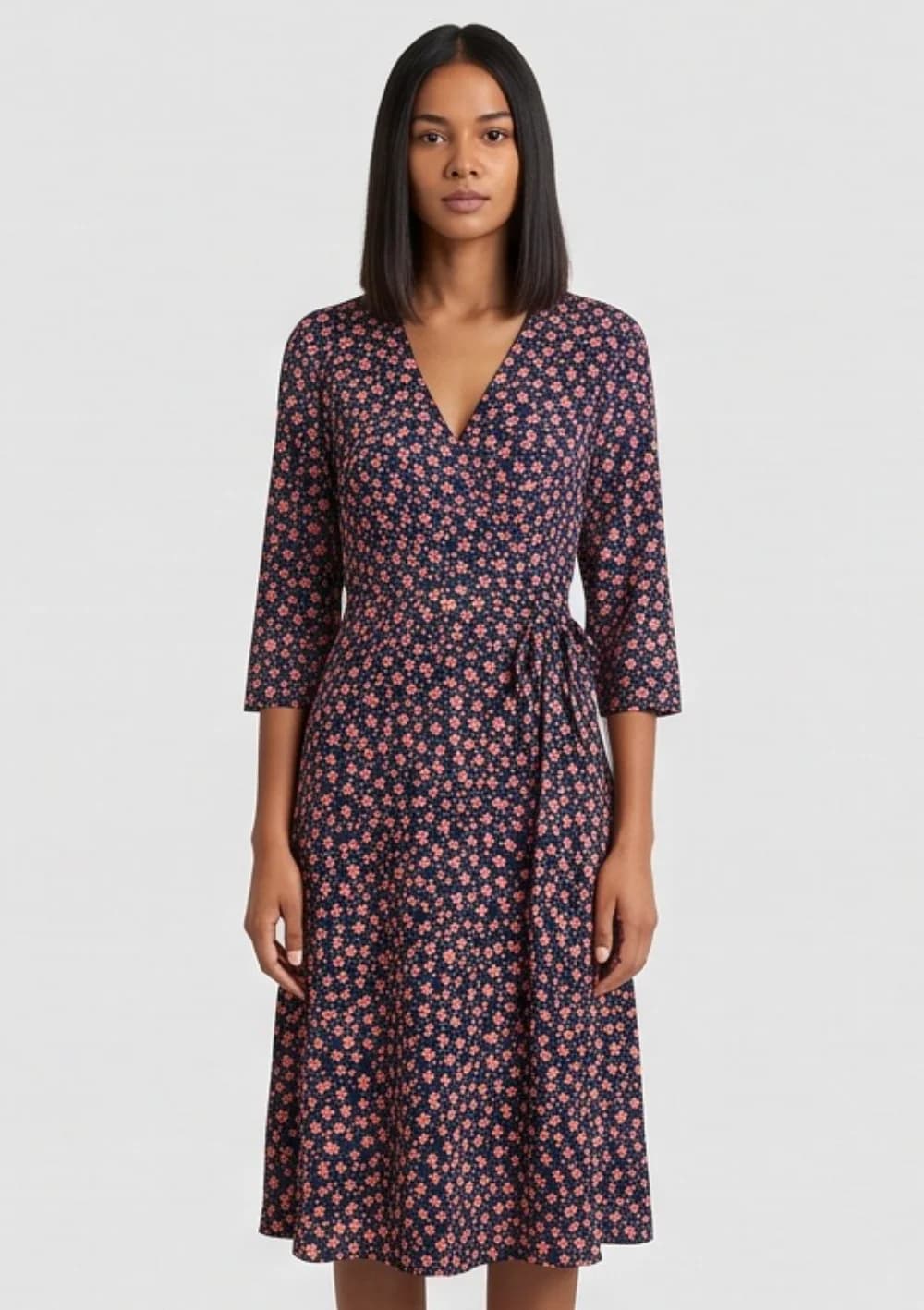
02 Result
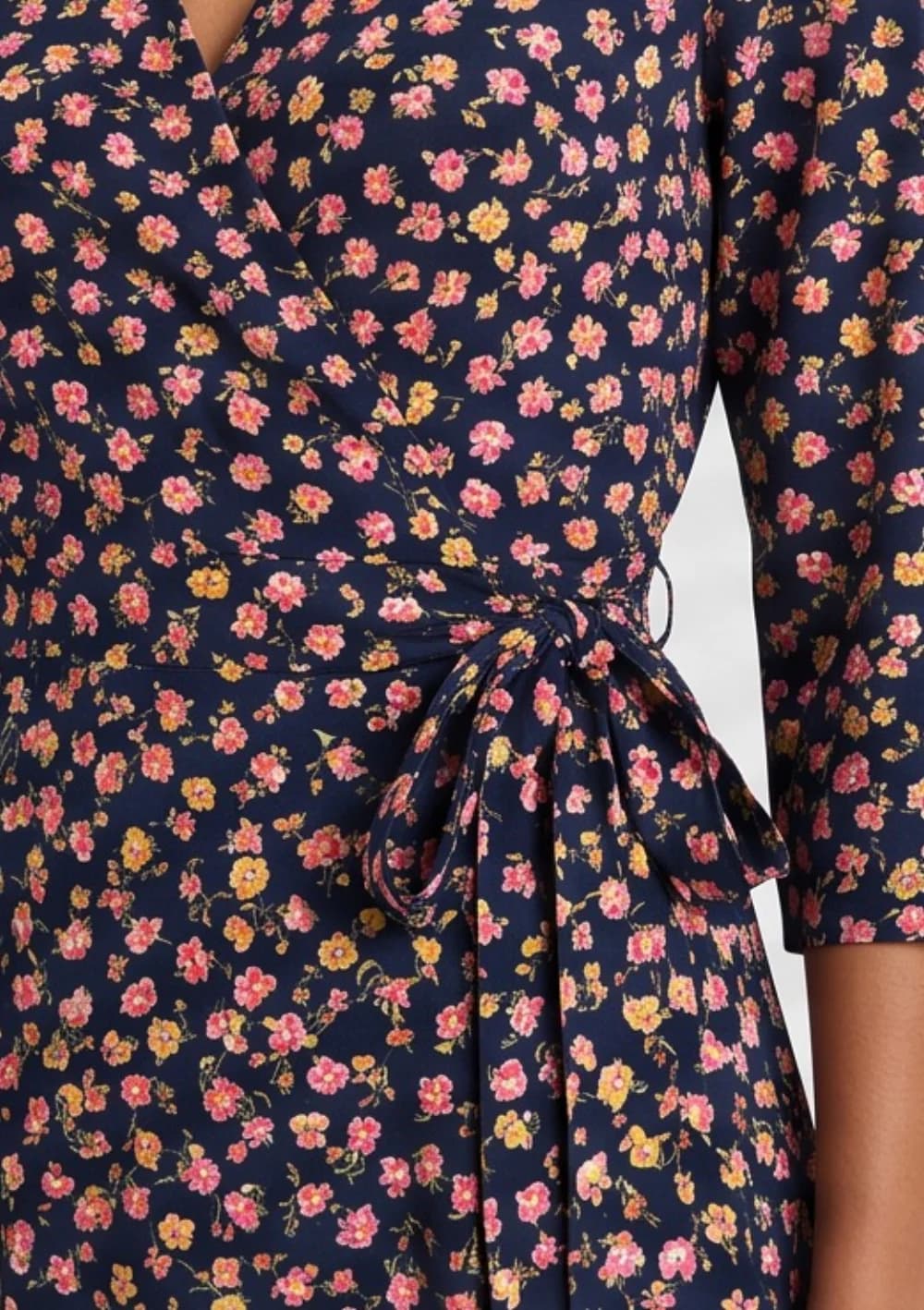
03 Close-up
Prices below are computed from each vendor's published plan price divided by the photos or credits it includes. Where a tool charges different credits by resolution or mode, both ends of the range are shown. "Not published" means the fact is not on the vendor's own page.
The five things that decide it
The short answer
| What to check | Why it matters | How Tryly handles it |
|---|---|---|
| Your garment stays exactly as it is | Buttons, collars, lengths, prints and logos must match the real piece. It is what you are selling, and marketplaces expect the photo to show the actual item. | Tryly aims to keep colour, fabric, print and details. Run your hardest piece on the free photos and check every image at full size before you publish. |
| The same model across the whole collection | A collection only looks like one brand when one model wears every piece, from every angle. | Pick one of 500+ models and keep it for every garment, or upload your own model or yourself (Premium and up). |
| Cost per usable photo, not per credit | Count the attempts your hardest garment needs. A cheap credit is an expensive photo if it takes five tries. | One credit per 2K photo: $0.25 to $0.40 a photo. 4K is included on Ultra and Max. |
| Pricing that feels fair | Know what a photo costs before you start, test before you pay, and keep what you paid for. | 10 free photos with no card. Unused credits roll over while you are subscribed. |
| Models that look like your customers | If you sell plus-size, modest fashion or kidswear, check the range exists before you subscribe, and that it is not behind a higher tier. | 500+ models across ages, skin tones and body types, a hijab setting for modest fashion, and kids models. |
Same model, model range, price per photo and free test: the comparison table
The short answer
| Tool | Same model across a collection | Models | Per photo at entry | Per photo at best tier | Entry price | Free test |
|---|---|---|---|---|---|---|
| Tryly | Yes. Pick one model for the whole collection. Own model from Premium. | 500+, or upload your own model or yourself | $0.40 at 2K (4K is +1 credit on Starter and Premium) | As low as $0.25 on the largest annual pack; 4K included on Ultra and Max | From $9.99/month (annual) | 10 free photos, no card |
| FASHN | Yes. Face Reference, +2 credits per image. Uploading your own face: Agency only. | Not published (curated face gallery) | $0.10 (1 credit, Fast) to $0.38 (Quality 2K + Face Reference, 4 credits) | $0.07 to $0.26 on Agency ($99, 1,500 monthly credits, before daily bonus); top-ups $0.10/credit | $19/month (Basic, 200 credits) | 10 free credits |
| Botika | Custom models with "consistent outputs" on Enterprise; not published for Pro/Advanced | Not published ("limited selection" on Pro, "all models" on Advanced) | $1.10 monthly, $0.92 yearly (1 credit per photo, 2K) | $0.92 (Pro yearly). Advanced is $1.00 yearly / $1.20 monthly (1,200 credits a year) and adds 4K and all models | $55/month (Pro; $46/month billed yearly) | Free trial |
| Photoroom | Not published | Not published | About $0.01 at 1K (Pro: up to 1,600 AI Fashion Model generations from 8,000 credits) | About $0.19 at 2K (Max, $34.99, up to 185) and $0.32 at 4K (Ultra, $99, up to 310) | $12.99/month (Pro; $89.99/year) | Free trial |
| WearView | Yes. "AI Consistent Models" across the catalogue. | 100+ | $1.16 HD, $1.81 2K, $2.90 4K | $0.33 HD, $0.82 4K on Advanced yearly ($82, 500 credits) | $29/month (Lite, 50 credits; $24/month yearly) | No free trial (money-back guarantee instead) |
| Claid | Not published | Not published | $0.07 Standard (4 credits), $0.18 Studio quality (10 credits) | $0.07 / $0.175 on Pro ($35, 2,000 credits); 4K needs Pro or above | $9/month (Essentials, 500 credits) | 50 free credits |
| Uwear | Saved models can be reused per its Shopify page | Not published (lists the AI engines, not a model count) | $0.10 to $0.50 (1 to 5 credits depending on the engine you pick) | Same; no tiers. Enterprise volume pricing on request. | Pay as you go, $17 minimum (170 credits at $0.10) | Not published |
| Modelia | Yes. Consistent characters: 1 (Project), 3 (Basic), 6 (Pro), unlimited (Business) | Not published | $0.14 to $0.42 (1 to 3 credits per image) | $0.10 to $0.30 on Business ($300, 3,000 credits); yearly 20% off | $35/month (Basic, 250 credits, 2-month minimum); $12 one-time Project pack | Free Starter: 20 credits/month, watermarked, non-commercial |
How to choose: three buyer situations
The short answer
1. You sell 10 to 50 products and shoot them on your phone
Test before you pay, with your hardest garment: a print, a logo or a sheer fabric. Tryly gives you 10 free photos with no card. Count how many attempts each piece needs; that, not the plan price, is your real cost per photo. At this size a low monthly floor matters too: Tryly starts from $9.99/month on the annual plan.
2. You launch collections, and every piece has to look like one brand
Pick a tool where consistency is part of the plan, not a per-image charge. Tryly (own model from Premium, 4K included on Ultra and Max), Modelia (unlimited consistent characters on Business) and WearView (AI Consistent Models) qualify. On FASHN the same result costs +2 credits per image and uploading your own face needs the $99 Agency plan.
3. You sell to a specific customer: plus-size, modest fashion or kids
Check that the models your shoppers look like exist before you subscribe, and that they are not locked behind a higher tier. Tryly has 500+ models across ages, skin tones and body types, a hijab setting for modest fashion, and kids models.
Questions buyers ask
What does a usable on-model photo cost?+
Count per usable photo, not per credit. Published prices for a 2K on-model image run from about $0.19 to $1.81 across the eight tools, but a garment that needs three attempts costs three times the list price. Tryly is one credit per 2K photo, $0.25 to $0.40, and your first 10 photos are free with no card.
Will the AI change my garment?+
It can, in any of these tools: small printed text, small logos, sheer fabric and exact brand colours are the usual failure points. Tryly aims to keep colour, fabric, print and details. Run your most difficult piece on the free photos first and check every image at full size before you publish.
Which tools keep the same AI model across a whole collection?+
Tryly (choose one model or upload your own, from the Premium plan), FASHN (Face Reference, +2 credits per image; uploading your own face requires the $99 Agency plan), WearView ("AI Consistent Models"), Modelia (1 to unlimited consistent characters by plan) and Uwear (saved models) all publish a consistency feature. Botika publishes it only for Enterprise custom models. Photoroom and Claid do not publish one.
Do I get commercial rights to the photos?+
Tryly, WearView and Modelia (paid plans) state commercial rights on their pages; Modelia's free Starter tier is non-commercial. FASHN's terms say you own the outputs and may use them commercially per your plan. Claid says its images are not subject to Claid copyright. Botika, Photoroom and Uwear do not state commercial rights on their pricing pages; check their terms before publishing.
Is an AI on-model photo good enough for a product page?+
At 2K or 4K from a current-generation tool, yes for most apparel categories; the usual failure points are fine print, sheer fabrics and complex hardware. Test with your own garment before you buy: Tryly gives 10 free photos with no card, FASHN gives 10 credits, Claid gives 50 credits, Modelia has a free watermarked tier, and Botika and Photoroom offer trials. WearView has no free trial.
Sources
Every figure was read from the vendor pages below. Vendors change prices; if a number here disagrees with the vendor page, the vendor page wins.
- Tryly pricing: tryly.ai/#pricing
- FASHN pricing page and help-centre credit table
- FASHN terms of service (output ownership)
- Botika pricing page
- Photoroom pricing page
- WearView pricing page and home page (models, consistency, commercial rights)
- Claid pricing page
- Uwear pricing, model rates and Shopify pages
- Modelia pricing and Shopify app pages
FASHN, Botika, Photoroom, WearView, Claid, Uwear and Modelia are trademarks of their owners and have no affiliation with Tryly.
Written by
James Whitaker
Senior Editor, Comparisons & Testing
Runs the Academy’s tool tests: the same garments, the same checks, every tool, re-checked against vendor pricing pages.
- 8 years reviewing e-commerce software
- Every price checked at the source
Expert review
Sofia Moretti
Fashion photographer · Expert reviewer
Has shot campaigns and on-model e-commerce for fashion brands for 14 years. Reviews every Academy article for accuracy.
- 14 years in fashion photography
- Campaign and catalogue work across Europe
How we work: every Academy article is written by a specialist, reviewed by a working fashion photographer, and re-checked against its sources when prices or rules change.