Reference
Product image size requirements for every marketplace
The pixel sizes, aspect ratios, file caps, formats and photo limits for Shopify, Amazon, Etsy, eBay, Google Merchant Center, Depop, Vinted, Poshmark, Mercari, Facebook, Instagram and Pinterest, each from the platform’s own help page. Plus one photo set that exports to all of them.

 By Elena Varga
 · Reviewed by Sofia Moretti |Fact-checked|11 min read
Key takeaways
- 1A 2048 × 2048 JPG with a white or plain background behind the main image meets or beats every recommended size in the table. Only Pinterest, which wants 2:3, needs its own crop.
- 2Pick one aspect ratio, 1:1 or 4:5, and one crop for the whole catalog. Cut-off product photos are almost always a ratio mismatch, not a size problem.
- 3Keep one master file per product at 3000 pixels and export a copy per platform from it. Never export from an export.
10 free photos, no card. Photos as low as $0.25 each.
On this page+
What size should product images be?
The short answer
Square (1:1) or 4:5, at least 2000 pixels on the long side, a white or plain background behind the main image, saved as a JPG under the platform’s file-size cap, and one aspect ratio across the whole catalog. A 2048 × 2048 JPG meets or beats every recommended product image size in the table below; only Pinterest, which wants 2:3, needs its own crop.
Those five choices are all a marketplace asks for, and each has a reason: the ratio decides how much of the photo survives the thumbnail crop, the pixel size decides whether zoom works, the background is a rule on Amazon and Google Merchant Center and advice almost everywhere else, the format decides the file size, and consistency decides whether your catalog looks like one store or a pile of listings.
The table below has the exact numbers from each platform’s own help page, the sections under it have the quirks, and the workflow at the end makes one photo set that exports to all of them. Still choosing where to list? Start with where to sell clothes online.
Product image size requirements by platform
The short answer
Twelve platforms, one table. Every number comes from the help page linked under the platform’s name. “Not stated” means that page gives no figure; it does not mean there is no limit, so the 2048 × 2048 JPG above still applies.
| Platform | Minimum | Recommended | Aspect ratio | Max file size | Formats | Images per listing | Main image background |
|---|---|---|---|---|---|---|---|
| Shopifysource · second page | Not stated | 2048 × 2048 px for square images | Not stated; one consistent ratio across main images | Smaller than 20 MB; up to 5000 × 5000 px (25 MP) | JPEG, PNG, WebP, HEIC, GIF, SVG, TIFF, BMP, PSD | 250 media per product | Not stated |
| Amazonsource | 500 px on the longest side | Larger than 1,000 px on each side (for zoom) | Not stated | Not stated; up to 10,000 px on the longest side | JPEG (preferred), TIFF, PNG, non-animated GIF | At least 1; at least 6 recommended | White (RGB 255, 255, 255) in most cases; product fills 85% or more of the frame |
| Etsysource · second page | 635 × 635 px for the first photo | At least 2000 px wide and high | First photo landscape or square; it sets the shape for the rest | Over 1 MB may not finish uploading | JPG, PNG, GIF, SVG, HEIC (no animated GIF, no transparent PNG) | 20 photos and 2 videos | Not stated |
| eBaysource | 500 × 500 px | About 1600 × 1600 px | 1:1 or 16:9 look best | 12 MB each | JPEG, PNG, GIF, TIFF, BMP, WEBP, HEIC, AVIF | 24 | White generally best; no badges, logos, copyright notices or watermarks |
| Google Merchant Centersource | 500 × 500 px | Around 1500 × 1500 px or above | Not stated; product fills 75–90% of the image | 16 MB; up to 64 MP | JPEG, WebP, PNG, GIF, BMP, TIFF | Not stated | Solid white or transparent; no text, watermarks, overlays or borders |
| Facebook & Instagram Shopssource | 500 × 500 px | 1024 × 1024 px | Shown square (1:1); keep every image 1:1 or 4:5 | 8 MB | JPEG or PNG | At least 1; 4 or more recommended | White backdrop recommended; no text overlays or watermarks |
| Facebook Marketplacesource | Not stated | Not stated | Not stated | Not stated | Not stated | Not stated | Not stated |
| Depopsource | Not stated | Not stated | Not stated | Not stated | Not stated | 4 photos + 1 video (app); 8 photos (web) | Not stated |
| Vintedsource · second page | Not stated | Not stated | Not stated | Not stated | Not stated | 20 | Not stated; whole item in the first photo, no collages |
| Poshmarksource · second page | Not stated | 1000 × 1000 px | Square (1:1) | Not stated | Not stated | 16 photos + 1 video | White or simple background for the cover shot |
| Mercarisource | Not stated | Not stated | Not stated | Not stated | Not stated | 12 | Plain backgrounds are best |
| Pinterestsource · second page | 1000 × 1500 px (catalog main image) | 2:3, 1000 × 1500 px | 2:3 | 20 MB | PNG or JPEG | Main image + up to 10 additional | Not stated |
Shopify product image size: 2048 × 2048, under 20 MB, one ratio
The short answer
Shopify’s help center says product images can be any size up to 5000 × 5000 pixels, or 25 megapixels, must be smaller than 20 MB, and that 2048 × 2048 pixels usually displays best for square product images. It also asks you to use a consistent aspect ratio for all your featured, or main, images. A product can hold up to 250 images, videos and 3D models.
The Shopify product image size question comes up so often because Shopify gives you room rather than rules. Its product media page accepts PNG, JPEG, PSD, TIFF, BMP, GIF, SVG, HEIC and WebP, the caps are generous, and there is no minimum. That freedom is where catalogs go wrong: a portrait phone photo for one product, a landscape supplier photo for the next, and the collection page crops each one differently.
- Export at 2048 × 2048 for a square catalog, or the same pixel size in 4:5 for every product if your theme shows portrait images.
- Treat 20 MB as a ceiling, not a target. A 2048-pixel JPG is a fraction of it.
- Same ratio on every main image, the one thing Shopify’s page asks for outright.
- Gallery size is not a constraint: the 250-media cap is per product.
Shopify’s page gives the caps and the size that displays best, not what happens to a file above that. Do the resize yourself: export at 2048 pixels, upload, then check the crop on a phone and on a laptop.
Amazon product photography rules: white background, 85% of the frame, over 1,000 pixels
The short answer
Amazon’s seller guide says product shots should, in most cases, be taken against a white background (RGB 255, 255, 255), with the product filling 85% or more of the frame. Images must be 500 to 10,000 pixels on the longest side, in JPEG, TIFF, PNG or non-animated GIF, and Amazon prefers images larger than 1,000 pixels on each side so shoppers can zoom. Every product needs at least one image; Amazon recommends at least six.
The two numbers that catch fashion sellers are 255 and 85. White means pure white, not the pale gray a phone gives you when it exposes for a white sheet; fix it in the editor, or get it right in the shot with white background product photography at home. And 85% means the product, not the background, is most of the frame: crop close on a flat lay, and for garments that need a body shape, a ghost mannequin shot fills the frame without a model.
How to pass it with a phone
- Shoot at full resolution, then crop. More than 1,000 pixels on each side after the crop is the floor; 2,000 is comfortable.
- Keep the first image to the product alone on white, as a JPEG. Use the other five for the back, a detail, the label, the fit on a body and the item in use.
- Check the white with the eyedropper in any editor: it should read 255 on all three channels, not 245.
Amazon product photography is the strictest set of rules on this page: a photo that passes it passes everywhere the main image is meant to be on white.
Etsy, eBay and Google Merchant Center image requirements
The short answer
Etsy recommends listing photos of at least 2000 pixels wide and high and allows 20 photos and two short videos. eBay allows 24 photos, recommends about 1600 × 1600 pixels at 12 MB or less, and says 1:1 or 16:9 look best. Google Merchant Center needs at least 500 × 500 pixels, recommends around 1500 × 1500, caps files at 16 MB, and wants a solid white or transparent background with the product filling 75–90% of the image.
Etsy: 2000 pixels, a square or landscape first photo, and the 1 MB catch
- Etsy’s image requirements recommend a width and height of at least 2000 pixels, and say a first photo under 635 × 635 pixels may show up lower in search.
- The first photo should be horizontal or square, and it dictates the shape of the photos that follow. Etsy crops thumbnails to square, portrait and landscape, so shoot from further back than you think you need and keep the item in the center.
- Images larger than 1 MB may not finish uploading, especially on a slow connection, so export a 2000-pixel JPG at a quality that stays under 1 MB.
- Formats are .jpg, .gif, .png, .svg and .heic. Animated GIFs and transparent PNGs are not supported; the transparent parts appear black. Colors are converted to sRGB.
- The listing form takes up to 20 photos and two videos. Etsy’s video page allows clips up to 15 seconds, 100 MB, at 2:1 or 1:2, ideally 1080 pixels or more.
eBay: 24 photos, about 1600 × 1600, nothing added to the image
- eBay’s adding pictures page allows up to 24 pictures at 12 MB each, in JPEG, PNG, GIF, TIFF, BMP, WEBP, HEIC or AVIF. The minimum is 500 × 500 pixels and the recommendation is about 1600 × 1600.
- 1:1 or 16:9 aspect ratios look best, in an uncluttered space against a neutral backdrop; white backgrounds are generally best.
- No added badges, logos, copyright notices or watermarks: eBay says they can affect placement in search results. A catalog or stock photo cannot be used for an item listed as used.
Google Merchant Center: the feed image behind Shopping listings
- Google’s image_link requirements: at least 500 × 500 pixels, around 1500 × 1500 or above for best performance, no file over 16 MB and no image over 64 megapixels, in JPEG, WebP, PNG, GIF, BMP or TIFF.
- A solid white or transparent background (Google warns that transparent does not suit light-colored products); staged and lifestyle images are acceptable. The product takes up no less than 75% and no more than 90% of the image, shown in full.
- No calls to action, price information, promotional text, watermarks, brand names or logos unless they are on the product, barcodes, overlays or borders.
Google’s 75–90% and Amazon’s 85% are the same instruction, a tight crop on a clean product, so one white-background export serves both.
Depop, Vinted, Poshmark and Mercari photo limits
The short answer
The resale apps publish counts, not pixel sizes. Depop allows four photos and one video in the app, or eight photos on the web. Vinted allows 20 photos. Poshmark allows 16 photos and one video and suggests 1000 × 1000 pixels, square. Mercari allows 12 photos. None of their help pages states a file-size cap or a format, so a 2048 × 2048 JPG straight from your master works on all four.
Depop
Depop’s How to list an item page: up to four photos and one video in the app, up to eight photos on the web, and nothing about size, format or ratio. With four slots, the first photo does the selling: the whole item, a plain background, a margin.
Vinted
Vinted’s listing steps allow up to 20 images. Its photo guide asks for the entire item in the first picture with no collages, your own photos rather than stock, watermarked or found-online images, natural daylight over lamplight, and no flash or filters. No pixel size or format is stated.
Poshmark
Poshmark’s How to list page allows up to 16 photos and carries one size tip: images should be sized to 1000 × 1000 pixels for optimal quality. Its listing photography guide adds the video slot, says to shoot in square (1:1) mode, and asks for a product-focused cover shot on a white or simple background, styled the same way across your listings.
Mercari
Mercari’s listing guide allows up to 12 photos, says plain backgrounds are best, recommends natural light to capture the item’s exact color, and asks you to photograph every side and any flaws. The first photo is what shoppers see first.
Which photos to fill those slots with, front, back, label, fabric, flaws, measurements and a worn shot, is in how to photograph clothes to sell.
Facebook, Instagram and Pinterest product image sizes
The short answer
Shops on Facebook and Instagram show product images square (1:1), need at least 500 × 500 pixels and recommend 1024 × 1024, in JPEG or PNG at 8 MB or less, with every image in the catalog at the same 1:1 or 4:5 ratio. Pinterest’s catalog needs a main image of at least 1000 × 1500 pixels, and its Pin specs recommend 2:3 at 1000 × 1500 in PNG or JPEG up to 20 MB. Facebook Marketplace’s help pages state no photo size at all.
Facebook and Instagram Shops (catalog images)
- Meta’s product image specifications: at least one image per product, JPEG or PNG, 8 MB maximum. Shops display images square, at least 500 × 500 pixels, with 1024 × 1024 recommended.
- Provide every image in the same aspect ratio, 1:1 or 4:5. Mixed ratios may be adjusted automatically in carousel ads.
- Four or more images per product is recommended, on a white backdrop, the main image showing the entire product, JPEG over PNG for quality, and no text over the product, calls to action, promo codes, watermarks or time-sensitive information.
- A quirk: an image replaced through a data feed needs a different URL or the catalog will not refresh it, so never upload a placeholder.
Facebook Marketplace
The Sell something on Marketplace page says only to click Add photos and upload; no count, size or format is stated, which is why the table says “not stated”. The one limit Facebook does publish is on listings, not photos: 20 new listings a month in total. Use the 2048 × 2048 JPG.
- Pinterest’s catalog requirements: the main image must be at least 1000 × 1500 pixels, with no template or placeholder images, plus up to 10 additional images per product, each of which becomes its own Pin. As on Meta, a changed image needs a new link.
- Its product specs recommend a 2:3 aspect ratio, or 1000 × 1500 pixels, in PNG or JPEG at up to 20 MB.
Pinterest is the only platform in the table that wants a tall crop, which is the reason the workflow below keeps room above and below the product in the master.
Why one consistent aspect ratio matters more than the exact size
The short answer
Because every platform resizes your images, but none of them fixes a mixed catalog. A 1600-pixel photo and a 2000-pixel photo look the same in a grid; a square photo next to a portrait one does not. Shopify asks for a consistent ratio across main images, Etsy says the first photo dictates the shape of the rest, and Meta adjusts mixed ratios in carousels. Pick one ratio and one crop and use them on every product.
The cut-off complaints are almost never about pixel size. A grid, a phone screen or a carousel card fits each image to a fixed box; if your images have different shapes, different parts get cut. Same ratio, same crop, same distance, same background is the whole fix, and it is why clothing product photography guides spend so long on the setup.
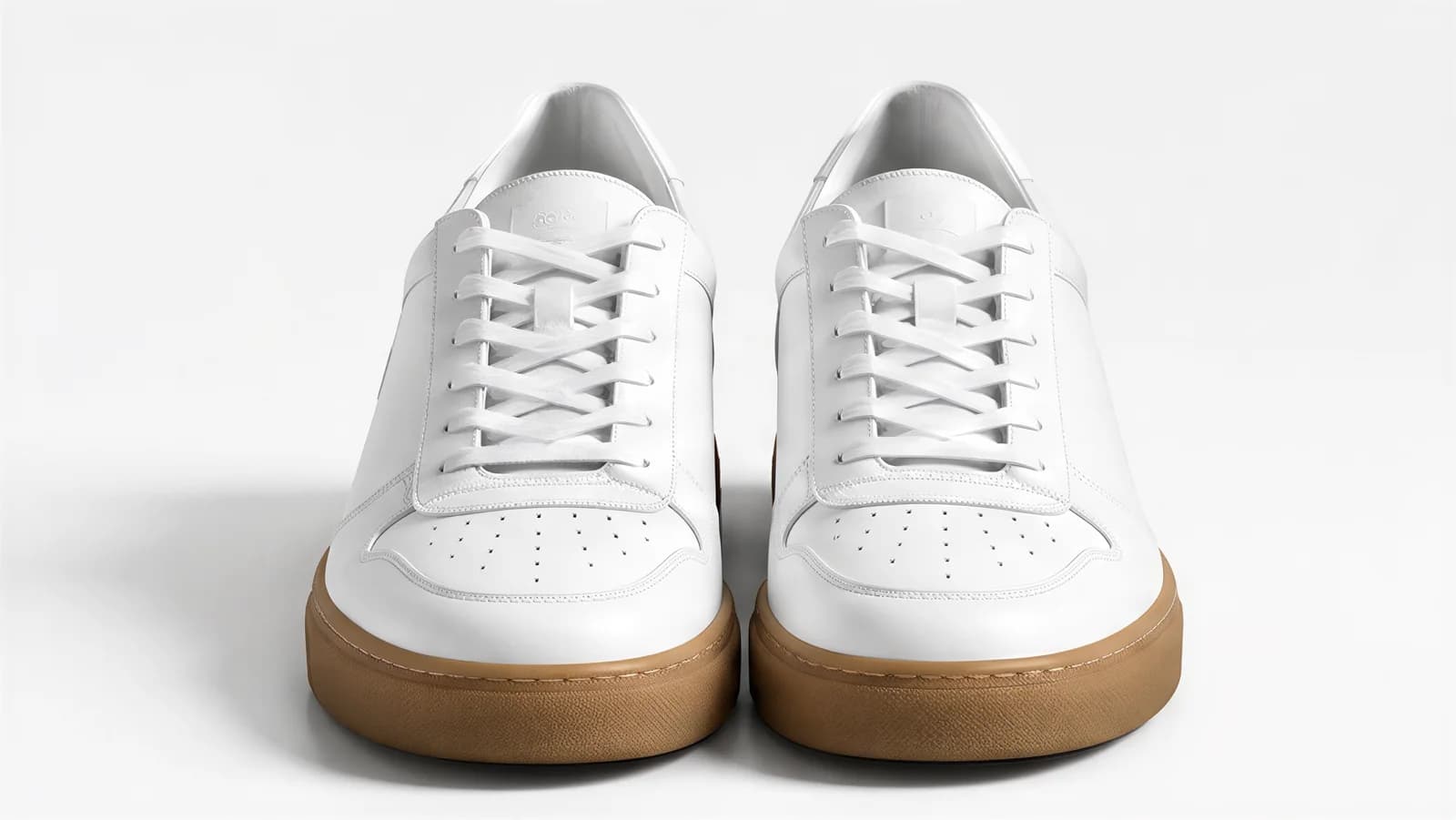
01 Sneakers, front
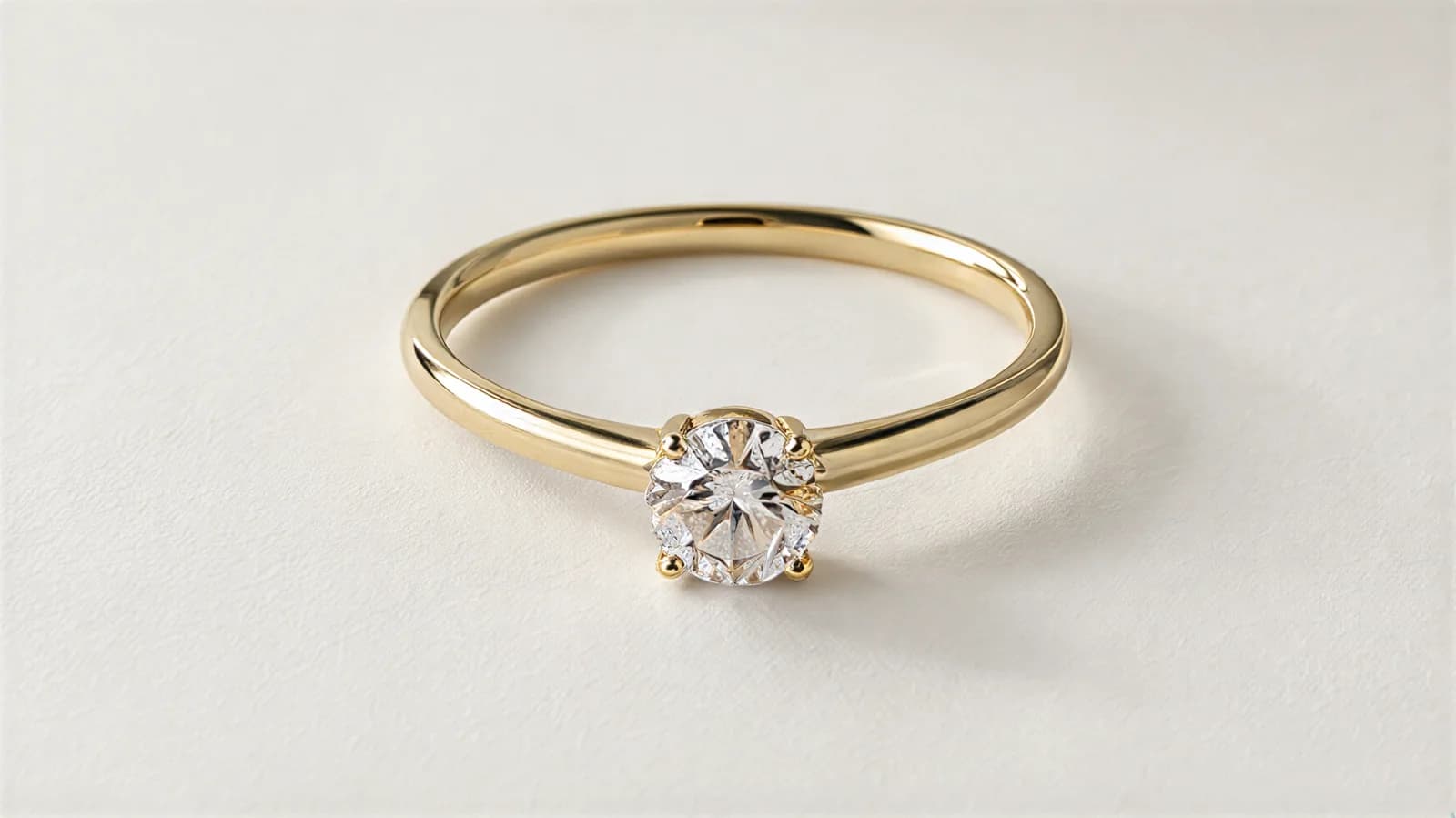
02 Ring, flat
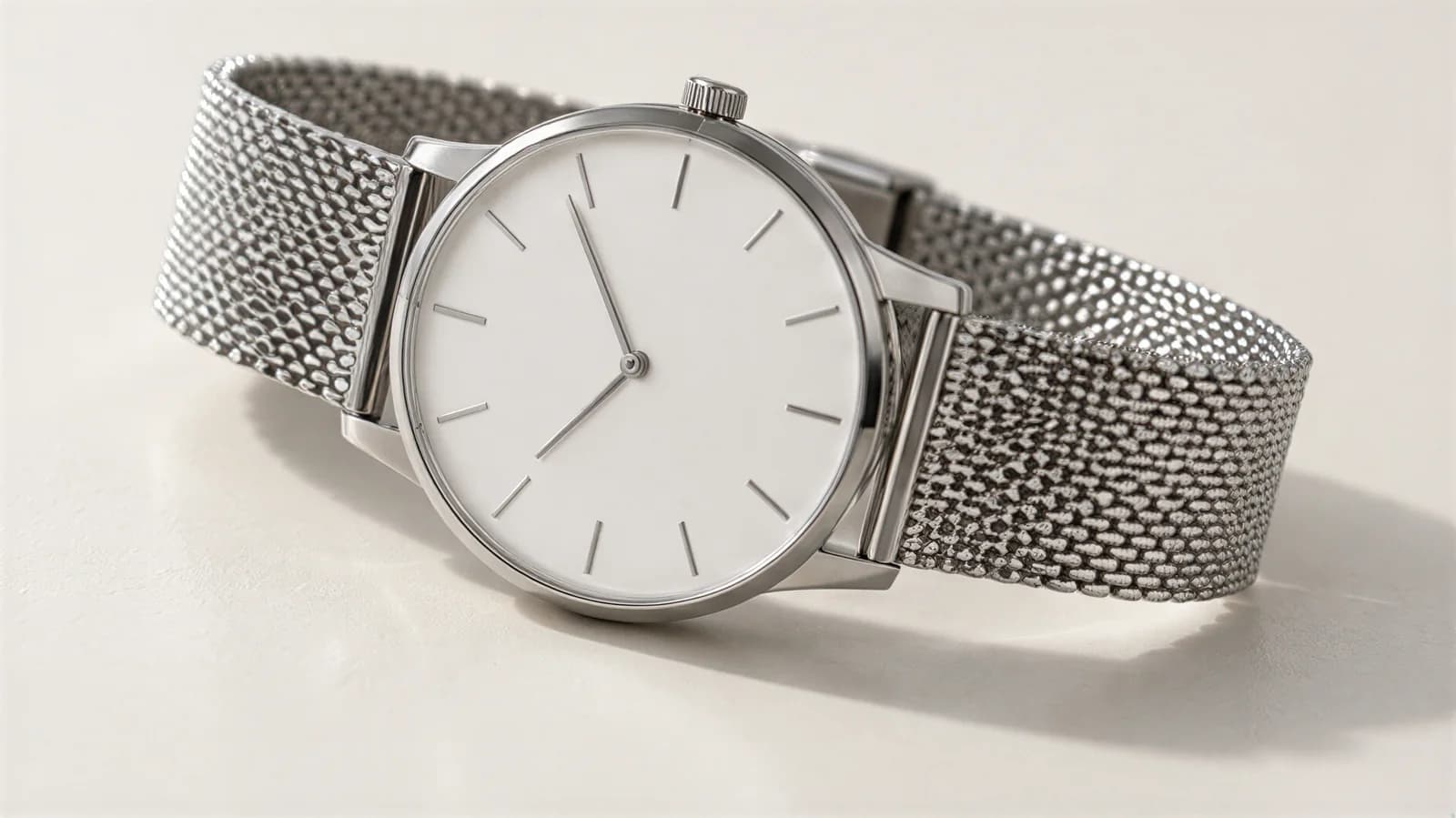
03 Watch, flat
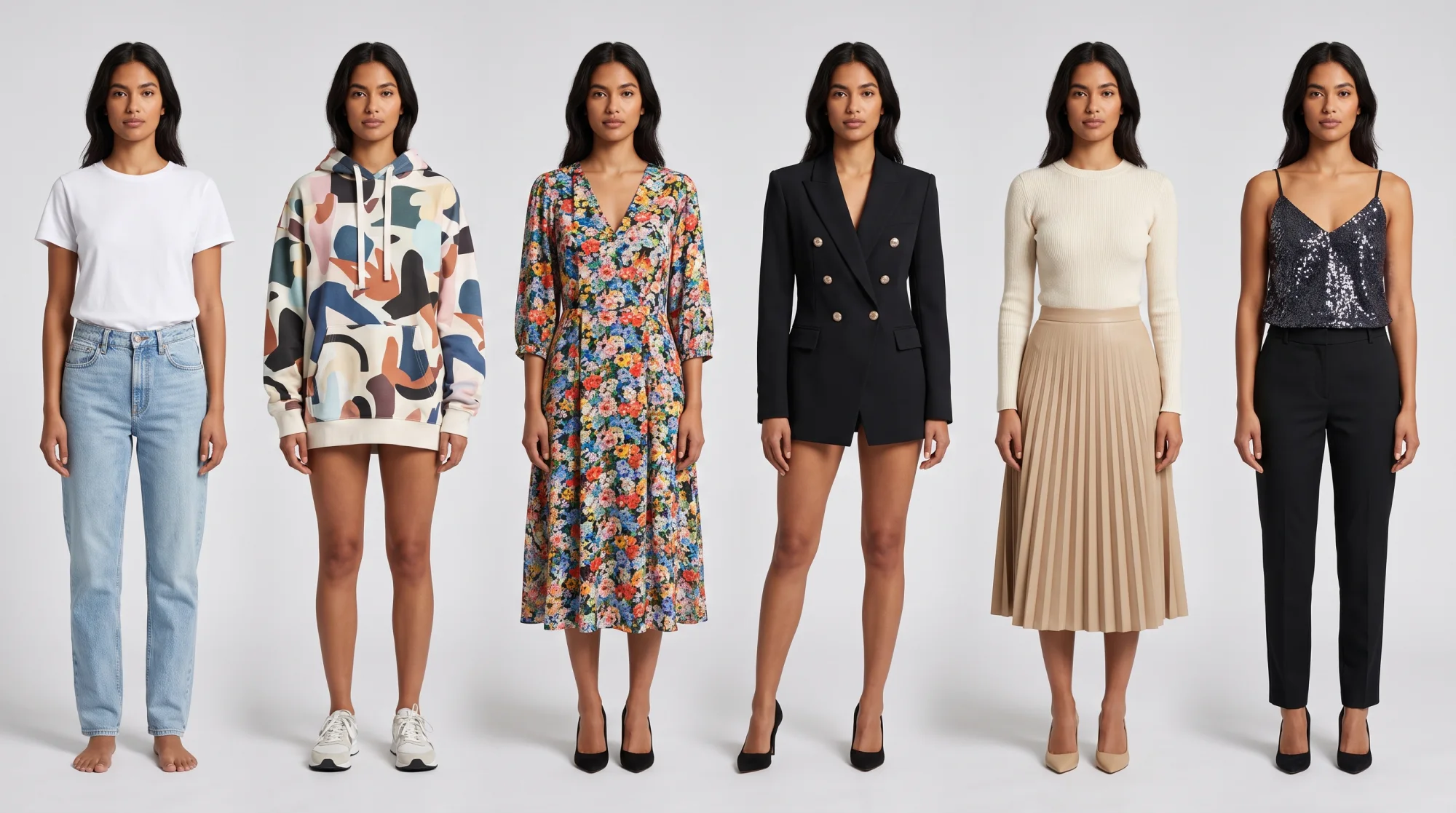
Consistency includes the background and the body, not just the frame. Half a catalog on a white sheet and half on a model looks like two stores. Decide what the main image is, on white for Amazon and Google, on white or on a model for your own store, and keep it. The same goes for the model: one model across a collection reads as one brand, which is the point of the cover photo above.
One photo set, every platform: the workflow
The short answer
Shoot with room around the product, keep one master file per product at 3000 pixels on the long side, and export a copy per platform from that master: 2048 × 2048 square for most, at least 2000 × 2000 for Etsy, 2:3 for Pinterest, and on white with the product at 85% of the frame for Amazon. Never export from an export.
1. Shoot with room to crop
Put the product in the middle of the frame with space on every side, on a plain background, in the same light and from the same distance for every item. Etsy’s advice to capture the item further back than you think you need applies everywhere: a tight photo can only be one shape, a loose one crops to all three. Use the main lens, not the ultra-wide, and step closer instead of zooming. Keep the light the same with product photography lighting, and the flat shots with flat lay photography.
2. Keep a master at 3000 pixels
Edit once, then save one master per product at 3000 pixels on the long side, named by SKU. Every platform copy comes from this file: exporting from an export stacks compression on compression, and re-cropping a crop loses the margin you shot for.
3. Export a copy per platform
| Export | Size and ratio | Where it goes |
|---|---|---|
| Square | 2048 × 2048 JPG | Shopify, Facebook and Instagram Shops, Facebook Marketplace, eBay, Poshmark, Mercari, Depop, Vinted |
| Square or landscape | At least 2000 × 2000 JPG, under 1 MB | Etsy |
| Tall | 2:3, 1000 × 1500 or larger, PNG or JPEG | |
| On white | JPEG, product at 85% of the frame, over 1,000 px each side | Amazon, Google Merchant Center |
How to export the right size from a phone
- Crop in the phone’s photo editor, which has preset ratios: square, 4:5, 2:3, 16:9. Pick the catalog ratio and match the margin to your other photos.
- Check the pixel size in the photo’s info panel after the crop. If the long side is under 2000 pixels, the original was shot too close.
- Export as JPEG, not HEIC. Shopify, Etsy and eBay list HEIC; Amazon, Google, Meta and Pinterest do not. A JPEG is accepted everywhere in the table.
- Resize only where a cap demands it. Etsy’s 1 MB limit is the one that bites; a 2000-pixel JPG at a lower quality setting gets under it.
Tryly photos: ready for stores, ads and social
The short answer
Tryly turns a photo you already have, the garment flat, on a hanger, on a mannequin or a phone picture, uploaded as JPG, PNG, WebP or HEIC, into photos of your product on a model. Photos made on a paid plan come out at 2K, or 4K on the Ultra and Max plans, and can be used on your store, in ads and on social media. Keep the same model across a whole collection so every listing matches.
That covers both halves of this page. Size: a 2K photo is above every minimum in the table; check the pixel size of the file you download against the platform’s recommended size, and crop it to your catalog ratio like any other photo. Consistency: pick one of 500+ models, or your own model or yourself, and use that model for every product.
 Before
 After
AfterThose are the two jobs a listing has. The flat photo on white is the main image Amazon and Google ask for; the on-model photo shows fit and sells the product in the gallery, in ads and on social. On resale apps that ask for your own photos of the actual item, keep a real photo as the main image and add the on-model photo as an extra.
One credit is one photo. Plans start from $9.99 a month (Starter plan, billed annually), with photos as low as $0.25 each at Tryly’s lowest rate. Your first 10 photos are free, no card, so test it on your hardest garment, a print or a logo, and check the result at full size. See AI clothing photography for examples across clothing, shoes, bags, watches and jewelry.
Product image size questions sellers ask
What is the best product image size for all platforms?+
A 2048 × 2048 pixel JPG. It matches Shopify’s recommended size, meets Etsy’s 2000-pixel recommendation, exceeds eBay’s 1600 × 1600, Google Merchant Center’s 1500 × 1500, Facebook and Instagram Shops’ 1024 × 1024, Poshmark’s 1000 × 1000 and Amazon’s 1,000 pixels per side for zoom, and stays under every file-size cap in the table. Pinterest is the exception: it wants a 2:3 image of at least 1000 × 1500 pixels.
What aspect ratio should product images be?+
Square (1:1) or 4:5, and the same one on every product. Shops on Facebook and Instagram show images square and ask for every catalog image to be 1:1 or 4:5. eBay says 1:1 or 16:9 look best. Poshmark suggests square. Etsy wants a landscape or square first photo. Pinterest wants 2:3. Shopify does not name a ratio but asks for a consistent one across your main images.
Does Amazon require a white background for product photos?+
Amazon’s seller guide says product shots should, in most cases, be taken against a white background with RGB values of 255, 255, 255, with the product filling 85% or more of the frame. Images must be 500 to 10,000 pixels on the longest side, and Amazon prefers more than 1,000 pixels on each side so shoppers can zoom. JPEG is the preferred format.
What is the Shopify product image size limit?+
Shopify’s help center says product images must be smaller than 20 MB and can be any size up to 5000 × 5000 pixels, or 25 megapixels. For square product images, 2048 × 2048 pixels usually displays best. A product can hold up to 250 images, videos and 3D models in total.
Should product photos be JPG or PNG?+
JPG for photographs. Amazon prefers JPEG, and Meta recommends JPEG over PNG for image quality in Facebook and Instagram catalogs. Etsy does not support transparent PNGs; the transparent parts turn black. Use PNG only where you need a transparent background and the platform allows it, such as Google Merchant Center, which accepts a solid white or a transparent background.
Do marketplaces compress or resize the photos I upload?+
Etsy says images may appear less sharp after upload because it compresses files for page performance, and that decreasing an image’s size keeps its resolution while increasing it causes pixelation. So upload at the recommended size, never enlarge a small photo, and respect the caps: files over 1 MB may not finish uploading on Etsy, 8 MB on Facebook and Instagram Shops, 12 MB on eBay, 16 MB on Google Merchant Center and 20 MB on Shopify.
How many product photos should a listing have?+
Amazon recommends at least six and Meta recommends four or more. The caps are higher: 24 on eBay, 20 on Etsy and Vinted, 16 photos and a video on Poshmark, 12 on Mercari, four photos and a video in the Depop app or eight on the web, and 250 media per product on Shopify. For clothes, five to eight photos cover the front, back, label, fabric, details, flaws and the item worn.
Written by
Elena Varga
Head of Content, Tryly Academy
Former e-commerce photo producer who ran catalogue shoots for fashion labels for over a decade. Writes the Academy’s guides.
- 11 years in fashion e-commerce
- 1,200+ catalogue shoots produced
Expert review
Sofia Moretti
Fashion photographer · Expert reviewer
Has shot campaigns and on-model e-commerce for fashion brands for 14 years. Reviews every Academy article for accuracy.
- 14 years in fashion photography
- Campaign and catalogue work across Europe
How we work: every Academy article is written by a specialist, reviewed by a working fashion photographer, and re-checked against its sources when prices or rules change.