Guide
Flat lay photography for clothes: how to style and shoot it
A practical guide for sellers shooting at home with a phone: the background, the light, prepping the garment, the shots a listing needs, and how to show the fit a flat lay can’t.

 By Elena Varga
 · Reviewed by Sofia Moretti |Fact-checked|10 min read
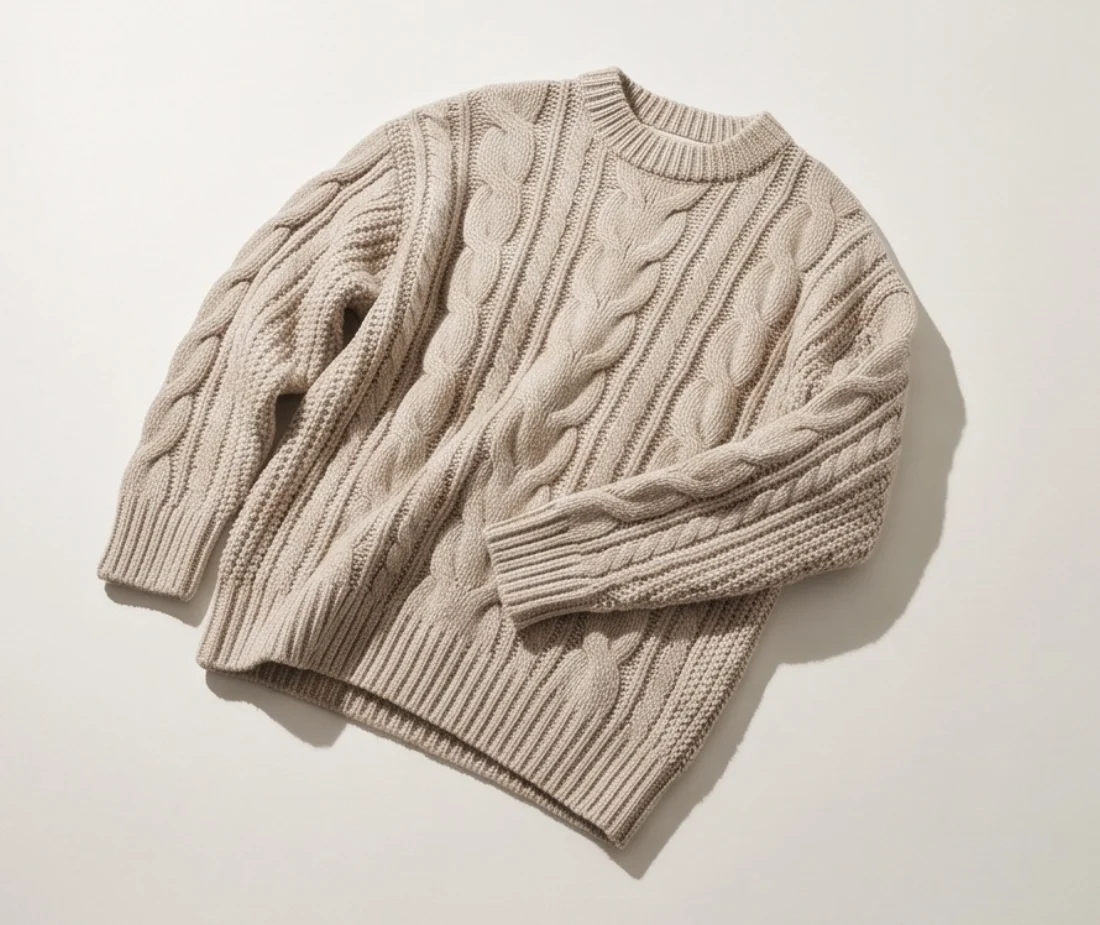
Key takeaways
- 1A flat lay is the cheapest way to show a garment’s true shape, color, details and condition. It can’t show fit, so fitted tops and dresses need a photo on a body too.
- 2Plain surface, window light with the flash off, a steamed and shaped garment, and the phone level above it. Then shoot six photos: front, back, label, fabric, flaws and measurements.
- 3Buyers want both: the flat lay, then how it fits. Tryly turns the flat lay you already shot into an on-model photo. Check it at full size before you publish.
10 free photos, no card. Photos as low as $0.25 each.
On this page+
What is flat lay photography?
The short answer
Flat lay photography means laying a product flat and shooting it from directly above. For clothes, that is the garment smoothed out on paper, a sheet or a floor, with your phone held level over it. It is the cheapest way to show a garment’s true shape, color and condition.
You need no model, mannequin or studio. Vinted’s photo guide even suggests a flat lay, a hanger or a mannequin as an alternative to modeling items yourself. What a flat lay can’t show is fit, and this guide covers that too.
How to take flat lay photos, in six steps
- Pick a plain surface. White paper, foam board, a white sheet or a light wood floor.
- Set up by a window. Daylight from the side, with the room lights and flash off.
- Prep the garment. Steam it, lint-roll it, then shape the sleeves, waist and hem.
- Shoot from directly above. Phone level over the middle of the garment, on the 1× lens.
- Take the full set. Front, back, label, fabric, flaws and measurements.
- Check and crop. Check each photo at full size, and crop them all the same way.
When does a flat lay beat a hanger, mannequin or model?
The short answer
When detail and true shape matter more than fit. A flat lay shows the whole garment with nothing in the way, and costs only your time. It fails on fit: fitted women’s tops, dresses and anything with a waist tend to look flat and shapeless.
| Method | Best for | Weak spot |
|---|---|---|
| Flat lay | T-shirts, jeans, knitwear, kids’ clothes; detail and measurements | No fit or drape; fitted tops look flat |
| Hanger | Shirts, dresses, coats, trousers | Heavy knits stretch; no waist or fit |
| Mannequin or dress form | Coats, dresses, fitted tops | Must match the size; costs money and space |
| Worn (you or a model) | Fit, length and drape | Needs the right-size person, time and light |
Flat lays suit resale best, where buyers want condition and measurements more than styling, and they are the quickest to repeat. But sellers who shoot mostly flat lays hit the same wall:
The fix is not to drop flat lays, but to add one photo that shows the fit. All four methods are compared in clothing product photography: flat lay, mannequin or model.
How do you set up flat lay clothing photography at home?
The short answer
You need a plain surface bigger than the garment, a window, and a way to hold the phone directly above. White seamless paper or foam board gives the cleanest background; a white sheet or a light wood floor is fine for resale.
Which flat lay photography background works best?
| Surface | Why it works | Watch out for |
|---|---|---|
| White seamless paper | Smooth and even, with no texture | Creases and scuffs; pull a fresh length |
| White foam board | Rigid; can be propped up for an angled flat lay | Small; tape two together for big pieces |
| White sheet | Cheap, and big enough for dresses and coats | Wrinkles; iron it and tape the corners |
| Light wood floor | No setup, and warm for social posts | Grain fights prints; wood tints white fabric |
For a listing’s main photo, white is the safe choice. eBay’s photo tips say white backgrounds are generally best, and Google’s Merchant Center image guidelines ask for a solid white or transparent background. More in white background product photography.
Shoot from directly above, with the phone parallel
Stand over the middle of the garment (a step stool helps with dresses) and hold the phone level with the surface. If it tilts, the hem looks wider than the shoulders. Turn on the grid and use the 1× lens, not the ultra-wide. A tripod with a sideways arm, or an overhead phone arm clamped to a table, keeps the height the same for every item; eBay’s tips recommend a tripod for sharp photos.
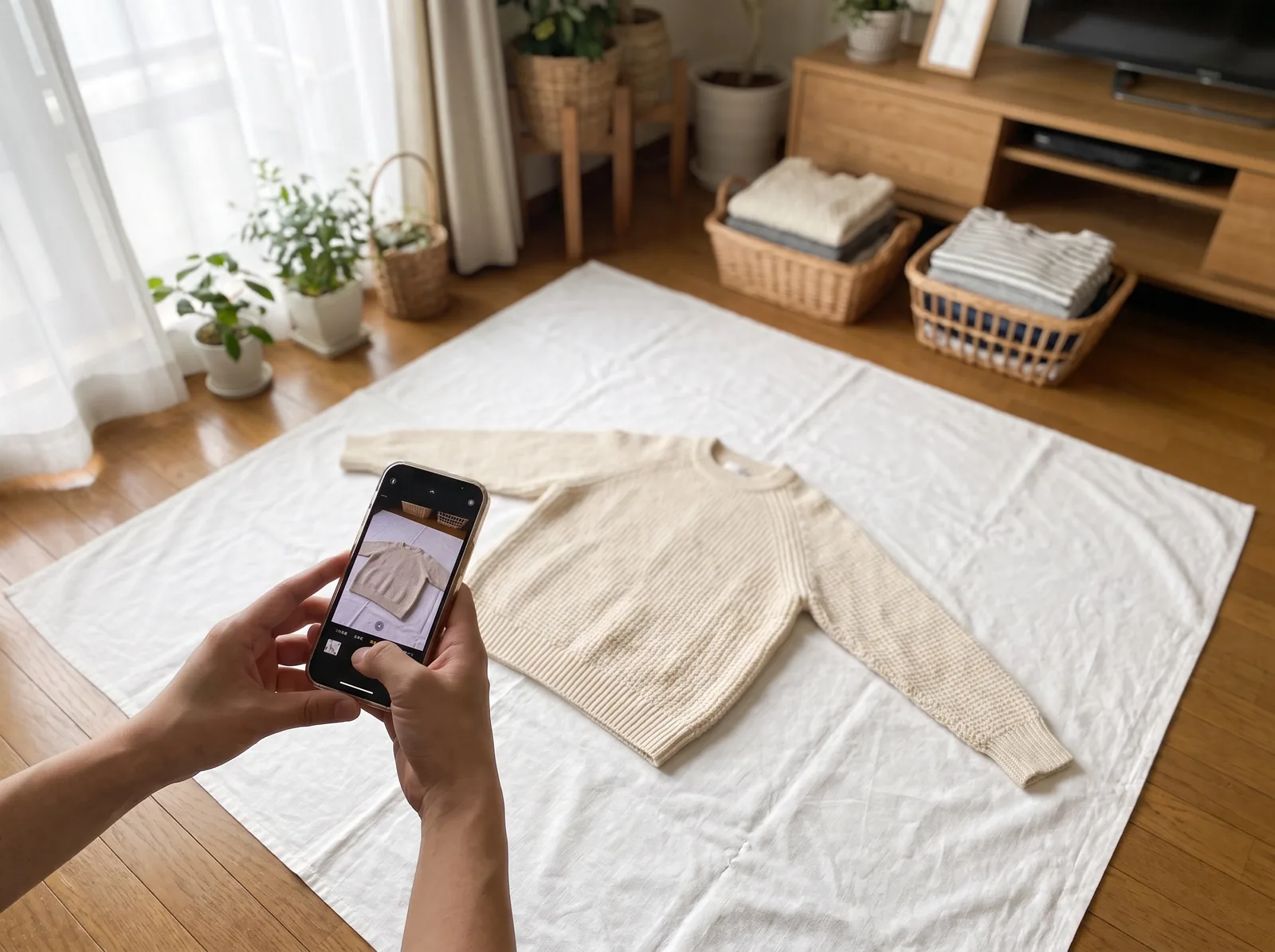
The angled (reclined) flat lay
Sellers who shoot a lot of stock often prop the surface up instead. Lean a large white foam board against a wall at a slight recline, pin the garment to it, and shoot straight on from a tripod. No stool, and gravity keeps the garment straight. It suits T-shirts, sweatshirts and trousers.
How do you light flat lay photos?
The short answer
With soft daylight from a window, and the room lights and flash off. Put the garment beside the window, not in the sunbeam, soften direct sun, and bounce light into the shadow side with a white card.
- Room lights off. Warm bulbs plus daylight turn whites yellow on one side and blue on the other. Vinted’s guide asks for daylight over lamplight.
- Flash off. eBay suggests avoiding flash and overhead lighting to reduce glare.
- Diffuse direct sun with a sheer curtain or baking parchment, or shoot on a bright, overcast day.
- Bounce the shadow side with white foam board opposite the window, so dark fabric shows its detail.
- Keep your shadow off it: the window to one side of the garment, never behind you.
- Same time of day for every batch, so the colors match.
How do you prep and style a clothing flat lay?
The short answer
Steam out every crease, lint-roll it, then shape it so it looks worn rather than dropped: sleeves angled, waist gently nipped, hem straight, collar and cuffs neat. Tissue paper inside gives a flat piece some body.
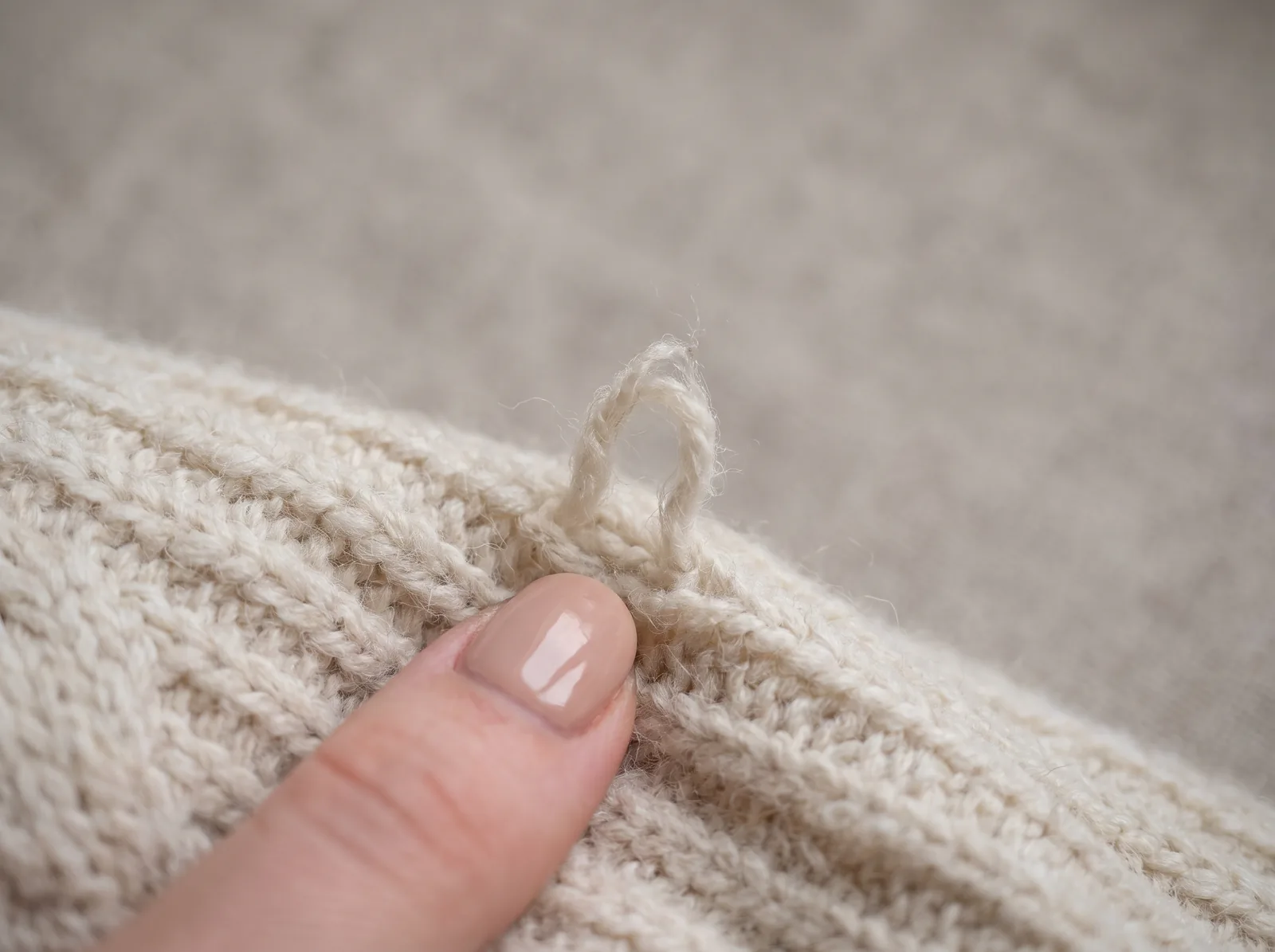
A flat lay shows everything, so lint-roll twice (dark fabric on white shows every fiber), snip loose threads and empty the pockets. Then shape it by type:
T-shirts and sweatshirts
Tissue paper inside, shoulders square, sleeves angled slightly down and out.
Shirts and blouses
Buttoned up, collar flat, cuffs folded neatly, side seams tucked in slightly at the waist.
Knitwear
Pat it into shape instead of pulling, which stretches the knit.
Jeans and trousers
Legs lined up, pockets smooth, waistband straight. Turn up hems only if they are worn that way.
Dresses and skirts
Spread the skirt into its natural shape and nip the waist in gently underneath.
Jackets and coats
Zip or button it closed, tissue in the shoulders, sleeves slightly away from the body.
Which flat lay pictures does one listing need?
The short answer
Six at minimum: the full front, the full back, the label and size tag, a fabric close-up, every flaw, and the measurements with a tape across the garment. Add a photo of it worn if you can.
| Shot | What it answers | How to take it |
|---|---|---|
| Full front (main photo) | The whole shape, color and print | Whole garment in frame, with space around it |
| Full back | Prints, pockets and wear on the back | Turn it over, reshape it, same crop |
| Label and size tag | Brand, size and fabric | Close up, every word readable |
| Fabric close-up | Texture and true color | A hand’s length away, no flash |
| Every flaw | Condition, before they pay | A close-up, plus a wider shot of where it is |
| Measurements | Will it fit? | Tape across the unpinned garment: pit to pit, length, waist, inseam |
Marketplaces ask for the same. Depop’s search ranking advice says to show every angle, highlight details and flaws, and put measurements and signs of wear in the description. Vinted asks for close-ups of the logo, care label and stitching, and every defect shown. Each app’s rules are in how to photograph clothes to sell online.
Flat lay product photography for listings vs social media
The short answer
A listing flat lay is plain and exact: one garment, a plain background, nothing else in the frame. A social flat lay is styled: an outfit built around the piece, with texture, props and relaxed folds.
| Listing | Social | |
|---|---|---|
| In the frame | Only the garment you are selling | An outfit around it: shoes, a bag, jewelry |
| Background | White or a light neutral | Texture welcome: wood, linen, a rug |
| Layout | Symmetrical, the whole piece shown | Relaxed: a sleeve folded, a leg bent |
| Props | None, so buyers know what arrives | A few, in the same colors |
Shoot both in one session, while the garment is steamed: the plain set first, then the styled one.
How do you keep flat lays consistent across a shop?
The short answer
Fix three things and never change them: the surface, the light and the crop. Same spot, same time of day, same phone height, same order of shots.
- One spot. Tape marks for the garment and the tripod.
- One crop. Etsy’s image guidelines say your first photo sets the shape of the rest, and one shape for all creates a more cohesive browsing experience. Shoot a little further back than you think, to leave room to crop.
- One size. Etsy recommends at least 2000 pixels wide and high; Poshmark’s listing guide suggests 1000 × 1000, a square.
- One order. Front, back, label, fabric, flaws, measurements.
Do buyers want flat lays or photos on a body?
The short answer
Most want both. The flat lay shows what the item is and its real proportions; a photo on a body shows how it fits. On resale apps, many sellers lead with the flat lay. On your own store and in Google Shopping, lead with the photo on a body.
The flat lay answers “what exactly am I getting?” The photo on a body answers “how will it look on me?”
How do you turn a flat lay into an on-model photo?
The short answer
Upload the flat lay to Tryly, say whether it is a top, a bottom or a full outfit, pick a model, poses and a background, and generate. You get the same garment on a model, from the photo you already took. Check each photo at full size before you publish.
The flat lay from this guide is the photo Tryly’s AI clothing photography works from: a clean white or neutral background, good light, shot from above, on a phone. Keep the whole piece in frame, and prefer daylight to flash.
 Before
 After
After- Upload the flat lay (JPG, PNG, WebP, HEIC or HEIF, up to 50 MB), one garment per shoot.
- Say what it is: Full Outfit, Top Only or Bottom Only.
- Choose a model: one of 500+ AI clothing models, your own model or yourself.
- Choose poses and a background: front, back or side; studio, editorial or your own.
- Review and generate. The review step shows every choice before anything is spent. One photo is one credit.
- Check it at full size, then download.
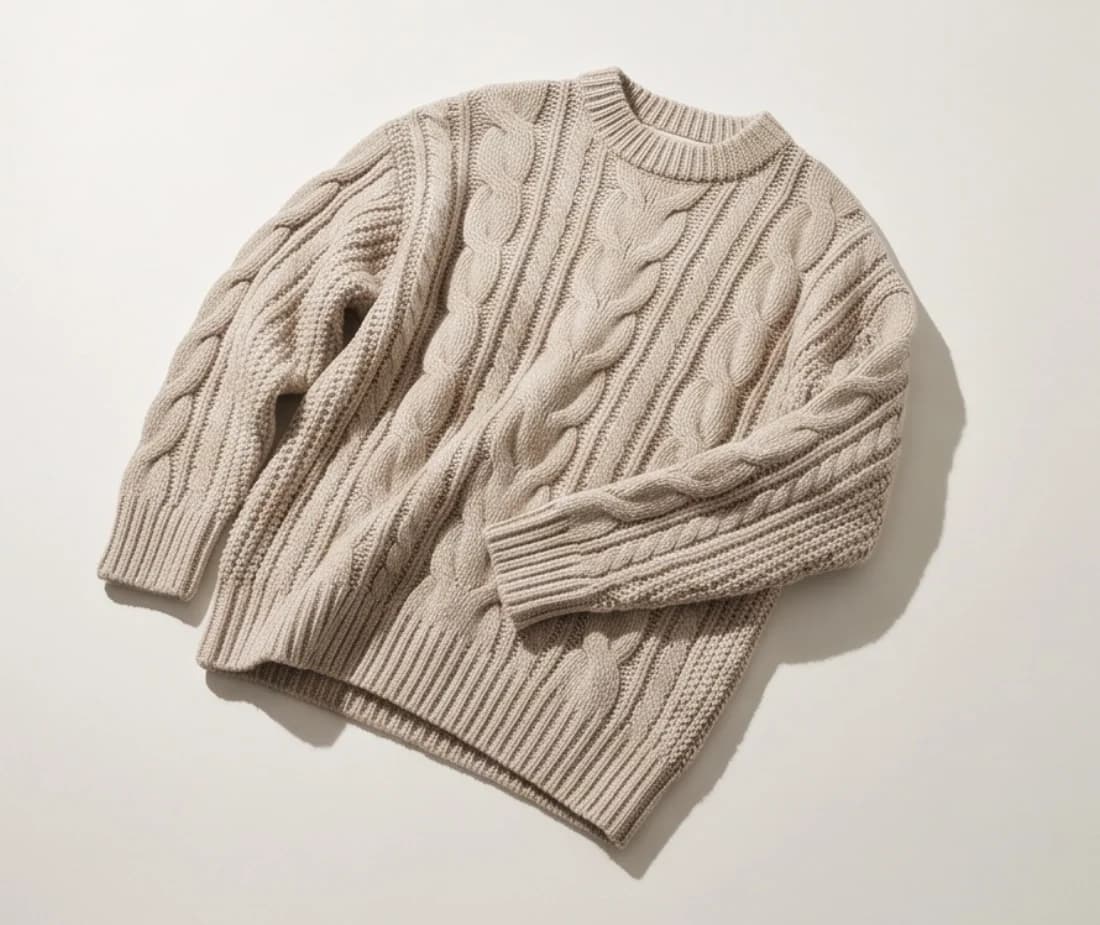
01 Flat lay
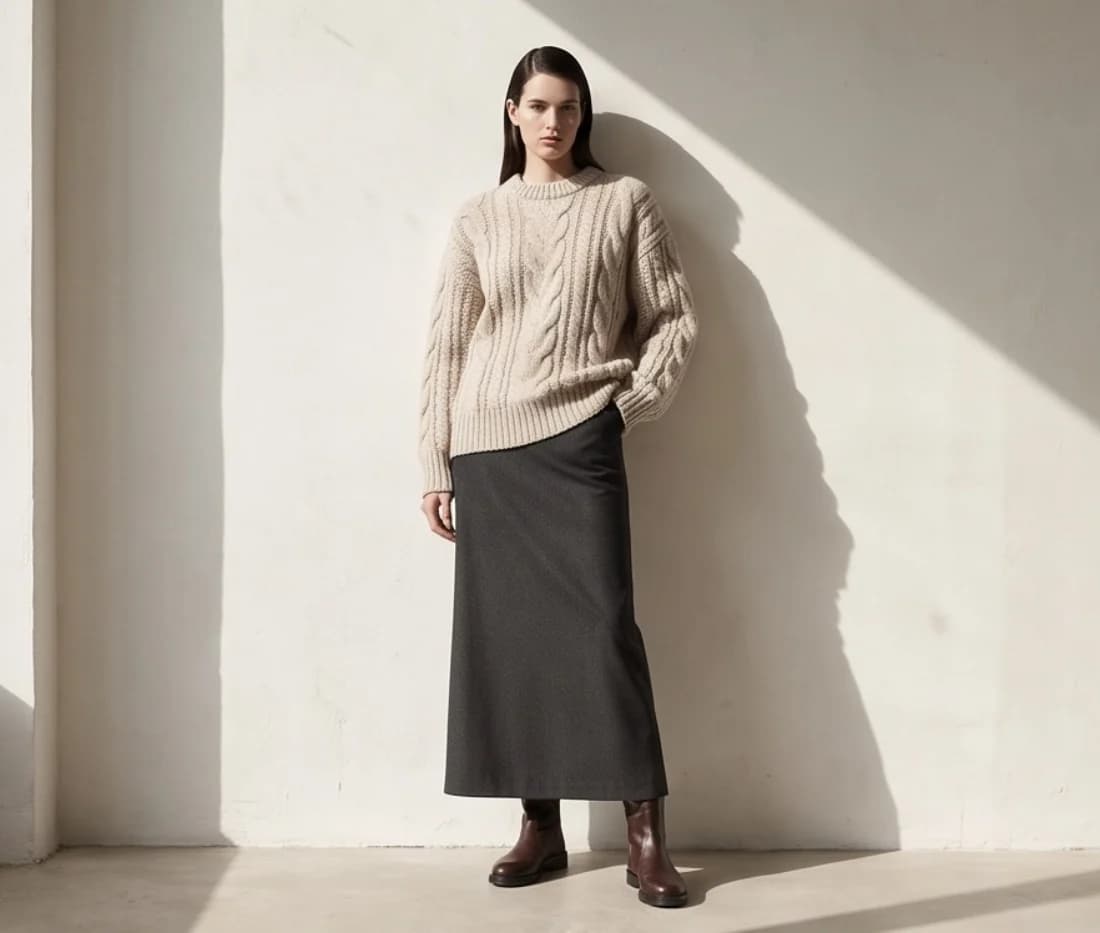
02 On the model
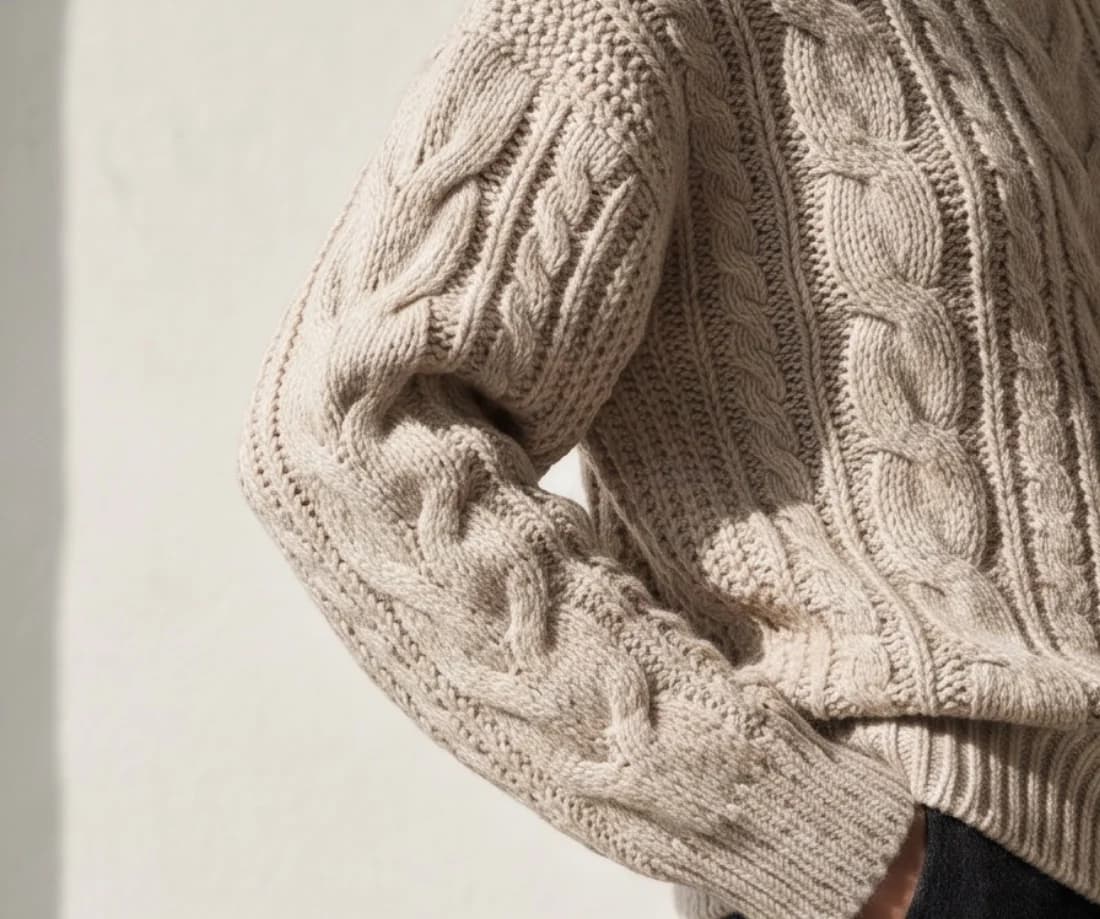
03 Close-up
Selling a collection? Use one model for every piece: on a paid plan, a “Same model” button brings it back in a click, as the collection demo shows. The same flat lay can also become ghost mannequin photos, in up to eight angles.
Photos made on a paid plan can be used on your store, in ads and on social media. Plans start from $9.99/month (Starter plan, billed annually), with photos as low as $0.25 each: 100 flat lays on a model cost $25 at Tryly’s lowest rate. Comparing tools? See how flat-lay-to-model AI tools compare.
Questions sellers ask about flat lays
What is a flat lay photo?+
A photo of a product laid flat and shot from directly above. For clothes, it is the garment smoothed out on paper, a sheet or a floor, with the phone held level over it. It shows shape, color and condition, but not fit.
What is the best background for flat lay photography?+
White for listing photos: seamless paper or foam board is the cleanest, and a white sheet fits dresses and coats. A light wood floor works for resale and social posts. eBay calls white backgrounds generally best, and Google’s Merchant Center asks for solid white or transparent.
How do I take flat lay photos with my phone?+
Work by a window with the room lights and flash off. Hold the phone level over the middle of the garment, or use a tripod with an overhead arm. Use the 1× lens, tap the garment to focus and leave space around the edges.
How do I make a flat lay look less flat?+
Put tissue paper inside tops, angle the sleeves, nip the waist in underneath, or fold one sleeve across for a styled shot. For fit and drape, add a photo of the piece on a body.
Are flat lays or model photos better for selling clothes?+
Use both. The flat lay shows the item and its proportions; a photo on a body shows fit. On resale apps many sellers lead with the flat lay. On your own store and in Google Shopping, lead with the photo on a body: Google asks for clothing worn by people.
Can I turn a flat lay photo into an on-model photo?+
Yes. Upload it to Tryly, say whether it is a top, a bottom or a full outfit, and pick one of 500+ models, your own model or yourself. One photo is one credit, and you can start with 10 free photos, no card. Check each photo at full size before you publish it.
Sources: Google Merchant Center Help, image requirements; eBay Help, adding pictures to your listings; Etsy Help, requirements and best practices for images; Vinted, what photos you should upload; Depop Help, improving the search ranking of your items; Poshmark Support, how to list.
Written by
Elena Varga
Head of Content, Tryly Academy
Former e-commerce photo producer who ran catalogue shoots for fashion labels for over a decade. Writes the Academy’s guides.
- 11 years in fashion e-commerce
- 1,200+ catalogue shoots produced
Expert review
Sofia Moretti
Fashion photographer · Expert reviewer
Has shot campaigns and on-model e-commerce for fashion brands for 14 years. Reviews every Academy article for accuracy.
- 14 years in fashion photography
- Campaign and catalogue work across Europe
How we work: every Academy article is written by a specialist, reviewed by a working fashion photographer, and re-checked against its sources when prices or rules change.